
Using a cloned voice for online courses lets instructors update outdated curriculum slides, fix technical terms, and refresh video lessons without retakes. When software interfaces change, you simply edit the text instead of setting up your microphone again.
Key Takeaways
- A complete 10-hour course consumes ~650,000 characters, fully covered by the $7/mo Storyteller plan (1,000,000 credits).
- Patch outdated slide voiceovers in 60 seconds without rebuilding camera, lighting, or microphone setups.
- Clear vocal cadence and consistent volume reduce student cognitive fatigue and boost course completion rates.
- Translate masterclasses into 10+ global languages while preserving your unique instructor vocal identity.
The curriculum maintenance trap: why online courses rot
Every professional course creator knows the frustration of curriculum decay. Months after recording a comprehensive masterclass, software platforms rename menus or APIs change. Suddenly, a lesson contains obsolete instructions. In traditional video production, instructors face an unpleasant dilemma:
When a lesson needs an update, a voice cloning tool for creators lets you change the script and regenerate that section instead of re-recording the whole video.
- Leave the Outdated Video: Students post confused questions in community forums, give low star ratings, and request refunds.
- Add Clunky Text Overlays: Placing bold red text warnings over the video looks unprofessional and distracts from the lesson.
- Re-record from Scratch: Setting up your microphone, matching your exact room acoustics, and re-recording 20 minutes of lecture just to fix three sentences consumes days of valuable time.
Patching video courses should not require booking expensive recording studios. Voice cloning allows teachers to deliver smooth, up-to-date lessons year after year.
Instructor Brand Continuity
Students enroll in your course specifically to learn from you. Cloning your own voice preserves your personal authority and warmth across every lecture module, creating a unified student experience from Lesson 1 to the final capstone project.
Pedagogical benefits: why synthesized instructor audio boosts student retention
Student drop-off in asynchronous e-learning is heavily influenced by audio quality. According to extensive video usability research by the Nielsen Norman Group (NN/g), poor audio intelligibility and volume fluctuations significantly increase learner cognitive load, causing students to abandon self-paced courses.
For complete foundation details and architectural walkthroughs, explore our comprehensive guide to AI voice cloning.
Furthermore, complying with accessibility guidelines outlined in the W3C Web Content Accessibility Guidelines (WCAG) requires clean, intelligible speech free from background distractions. Using a cloned personal voice delivers distinct pedagogical advantages:
- Consistent Cadence and Pacing: Technical concepts are explained with unhurried clarity, preventing the rushed speech that often occurs when instructors get tired during long recording sessions.
- Pristine Acoustic Clarity: Synthesized audio has zero microphone popping, room echo, or air conditioner rumble, making technical explanations easy to absorb on headphones.
- Consistent Acoustic Match Across Modules: Modules recorded in January sound consistent with bonus lessons recorded in November, providing steady acoustic continuity across multi-part curricula.
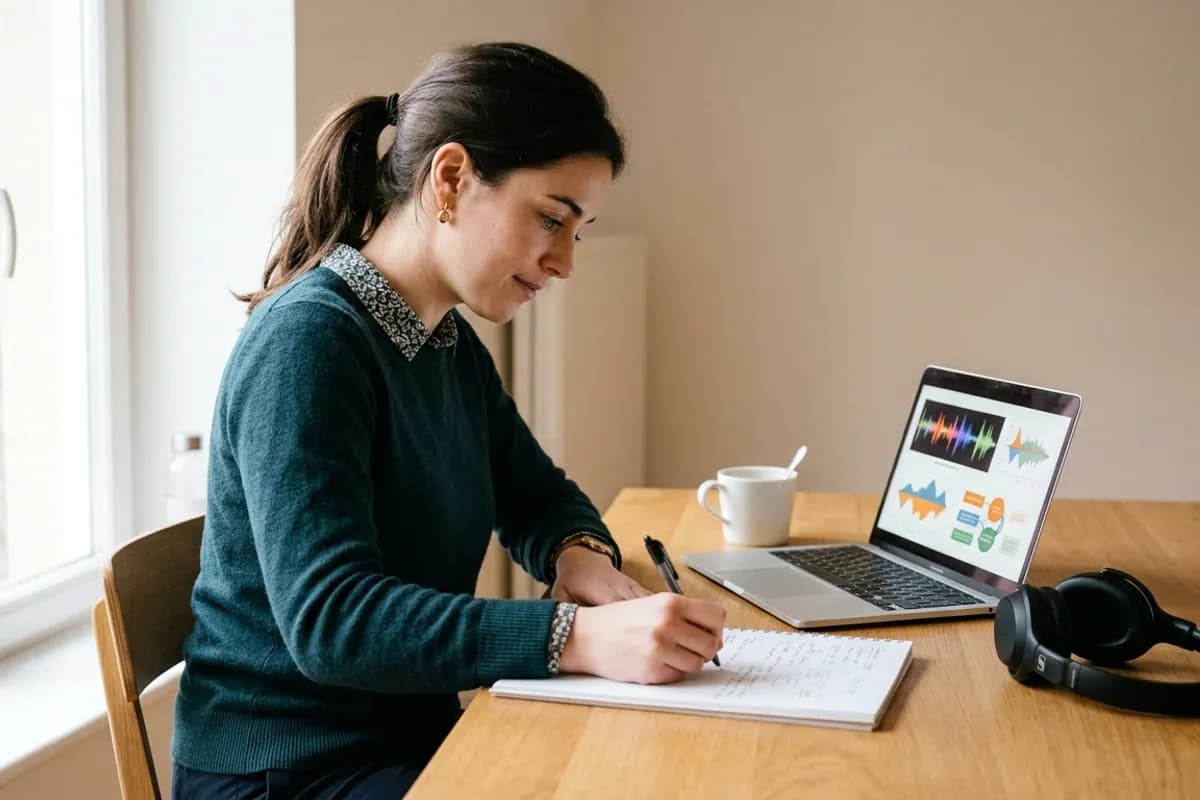
The 5-stage course update workflow
When software updates require lesson revisions, follow this patch sequence:
- Flag the Outdated Slide or Segment: Identify the exact timestamp and slide where the software interface or lesson concept has changed.
- Draft the Replacement Explanation: Write the updated 2-to-3 sentence explanation in your course script notes, inserting breath commas for measured pacing.
- Synthesize Audio in Loup Studio: Generate the replacement lines in Loup Studio using your custom cloned instructor voice and download a clean MP3 or WAV take.
- Record Updated Screen Capture: Record 15 seconds of clean screen capture demonstrating the new software menu or interface setting.
- Drop Patch into Video Timeline and Export: Splice the new screen capture and cloned audio patch onto your video timeline, apply a quick crossfade to prevent clicks, and re-upload the lesson to your LMS.
Modular curriculum updates: keeping online course material current
Online education evolves constantly. Software tools update their interfaces, industry standards change, and students ask for deeper explanations. Traditionally, updating even a three-minute walkthrough meant pulling out microphones, finding quiet time, and matching the room tone of an earlier recording session.
A cloned voice solves this by enabling modular audio revisions. When an interface changes, you write the revised script into Loup Studio and download a matching audio take in your signature speaking voice.
Modular Curriculum Architecture
Organize course video projects as modular audio stems in your video editor. Keeping voiceover clips separated from screen captures makes swapping an outdated sentence take less than two minutes.
This workflow lets you maintain fresh curricula on platforms like Teachable, Thinkific, and Skool without rebuilding physical sets. Students receive accurate lessons, and you avoid re-recording full lectures to fix minor interface tweaks.
Course budgeting and credit consumption math
Loup Studio calculates audio by text characters: 1 character equals 1 credit. At our baseline rate of 1,083 characters per minute of audio (~65,000 characters per hour), budgeting e-learning programs is straightforward:
- Mini-Course or Workshop (2 hours): Approximately 130,000 characters (~130,000 credits), costing just pennies in subscription credits.
- Standard Course Bootcamp (5 hours): Approximately 325,000 characters (~325,000 credits), easily generated within a weekend workflow.
- Comprehensive 10-Hour Masterclass: Approximately 650,000 characters (~650,000 credits), fully accommodated by a single month of the Storyteller tier with 350,000 credits left for curriculum updates.
On the $7/mo Storyteller plan (1,000,000 credits), an educator producing a 10-hour masterclass consumes only about 650,000 credits. The entire audio production costs just $7—saving thousands of dollars compared to commercial sound booth rentals.
Auditioning personal clone fidelity against microphone audio
Audition how Loup Studio voice cloning captures natural vocal resonance on educational curriculum compared to an original condenser microphone take:
Audio Audition Comparison
Common e-learning audio mistakes and practical fixes
Avoid these three frequent mistakes when generating lecture audio:
Slide Timing Hack
Leave 1 second of silence at the beginning of each slide before the voice begins speaking. This gives students time to visually scan the slide title before processing your spoken lecture.
Course Module Quality Checklist
Verify each technical standard before rendering your final course video lessons.
- Script pacing: commas placed before clauses to ensure unhurried explanation.
- Clean audio: MP3 or WAV takes downloaded directly from Loup Studio.
- Slide synchronization: audio markers aligned with screen capture transitions.
- Consistent volume: lecture audio normalized across modules for smooth playback.
- Accessibility: auto-captions generated and proofread against the spoken script.
Dual-coding theory: aligning spoken words with visual slide changes
Cognitive Load Theory and Dual-Coding Theory offer valuable guidance for instructional design. The human brain processes visual and auditory information through separate mental channels. When visual slides and spoken voiceovers compete for attention, student comprehension drops. Synchronized pacing prevents cognitive overload.
To optimize student retention when directing speech synthesis for course modules:
- Redundancy Elimination: Never read bullet points word for word. Summarize the concept visually on the slide with 3 to 5 words, and use your cloned voiceover to elaborate on the conceptual mechanics.
- Signaling Visual Transitions: Insert a brief 0.5-second pause before introducing a new slide animation. This brief silence alerts the student's brain to shift visual focus to the newly revealed diagram.
- Knowledge Check Prompts: When posing a reflective question to the student (e.g. “Before looking at the solution, how would you optimize this query?”), insert an ellipsis and a 2-second pause in your video editor to invite active problem solving.
Never read slides verbatim. Display concise visual keywords on screen, and use your cloned teacher voice to provide context, analogies, and detailed walkthroughs.
LMS platform standards: audio normalization for Teachable, Kajabi, and Udemy
Different learning management systems apply proprietary audio transcoding upon video upload. Delivering compliant master stems avoids unpleasant compression artifacts:
- Consistent Volume Level: Normalize lecture tracks to a uniform loudness across all lessons. This provides consistent volume whether students listen on desktop monitors or mobile phones.
- Clean Audio Export Benefit: Generated takes don't pick up new background noise from the room you're in that day.
- Consistent Export Naming: Adopt clean lesson naming standards (e.g.
M02_L04_Audio_v02.wav) to maintain quick file replacement workflows inside your video editing suite.
LMS Audio Export Pitfalls
Prevent volume shifts across different online course hosting platforms.
Exporting inconsistent volume levels between modules recorded months apart.
Normalize all lecture stems to a standard volume level before final export.
Relying on platform auto-transcription without providing clean master stems.
Export clean WAV audio from Loup Studio for 99%+ automated subtitle accuracy.
Evaluating AI course narration against manual recording
Assessing the operational advantages and boundaries for digital educators:
- Cloned Teacher Narration: Reliable lesson patching, consistent voice tone across years of updates, and clean, noise-free exports for headphone listening.
- Live Microphone Takes: Natural spontaneous improvisations, but vulnerable to acoustic drift, room noise, microphone fatigue, and days of re-recording to fix small script changes.
Bonus student deliverables: dedicated audio feeds and review tracks
A growing trend among premium course creators is offering member-only audio podcast feeds for enrolled students who review lesson material during daily commutes or workouts. Because Loup Studio generates standalone audio stems, creating these feeds takes zero extra recording effort:
- Export the spoken lecture stems as standalone MP3 tracks.
- Upload stems to subscriber podcast hosting platforms like Transistor or Castos with secure student RSS access control.
- Provide students with a direct mobile listening option that doubles course completion rates.
By giving students the flexibility to switch between video walkthroughs at their desks and audio lectures on the move, creators improve learning outcomes, reduce drop-off rates, and generate higher course satisfaction ratings across all major e-learning platforms.
Selecting the ideal Loup Studio plan for course creators
Align your monthly subscription plan with your curriculum production schedule:
- Soundcheck ($0/mo): Test instructional clarity with 10,000 monthly credits (~10 minutes) across 3 voice slots.
- Storyteller ($7/mo or $67/yr): 1,000,000 credits (~15 finished hours), delivering enough audio capacity to synthesize full masterclasses and routine lesson patches.
- Director ($29/mo or $278/yr): 5,000,000 credits (~77 hours) and 100 voice slots for e-learning agencies hosting multi-instructor educational portals.
Every plan includes commercial licensing under our terms of service and direct MP3 or WAV downloads. Check current discounts using code NEWLOUP20 on our creator offer page, or read our tutorial on recording voice samples for cloning to build your instructional voice model.
Related Guides & Audio Workflows
- Read our practical guide to long-form AI narration.
- Review our technical comparison of ElevenLabs alternatives for long video production.
Frequently asked questions about course voice synthesis
Frequently Asked Questions
Try Loup Studio AI voice cloning free
Record a short sample of your voice and turn any script into a voiceover. 10,000 free credits every month, no card needed.