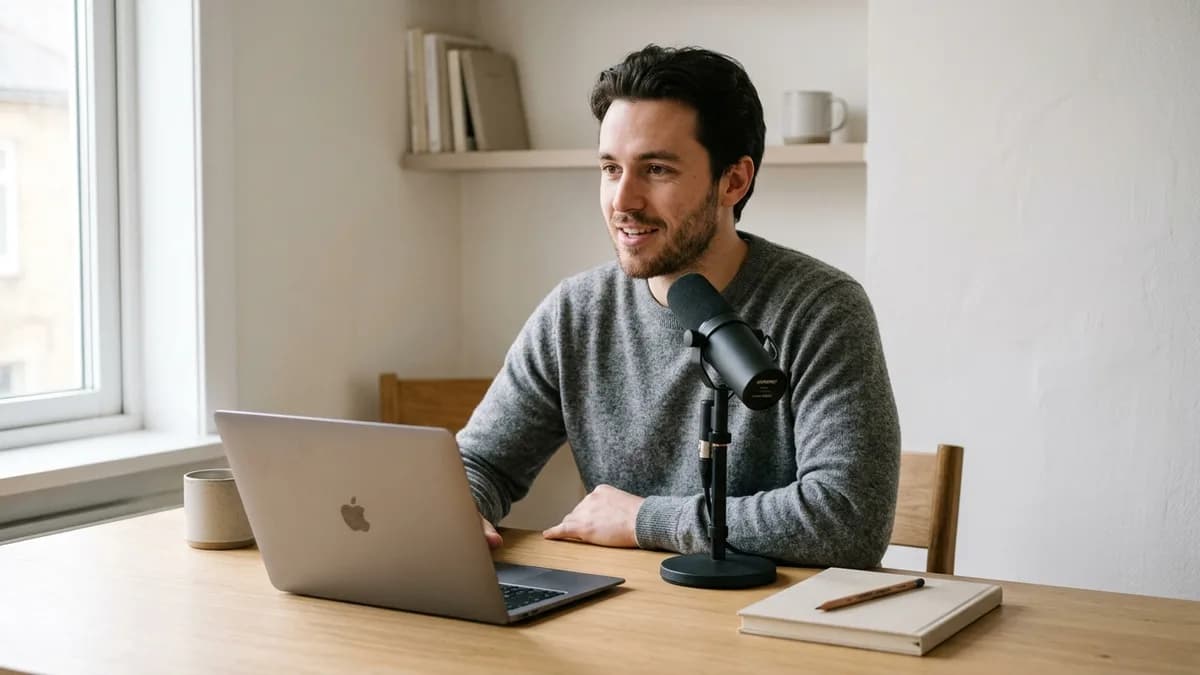
To record a voice sample for cloning, speak at a natural conversational pace for 15 to 30 seconds into a clean microphone placed 15 centimeters away in a quiet, carpeted room. Eliminating wall reflections and background computer hum is far more critical than buying expensive recording hardware, because neural algorithms preserve ambient room echo in the final voice clone.
Key Takeaways
- Room acoustics determine model quality: soft materials like clothes closets absorb echo far better than bare bedroom walls.
- Keep microphone distance between 15 and 20 centimeters (one to two fists) and speak slightly off-axis.
- Upload a clean MP3 or WAV file under 15 MB, or record directly using the 60-second browser tool.
- Speak with steady conversational energy; neural models clone your exact volume, pace, and vocal weight.
Why input sample quality dictates your voice clone fidelity
In voice synthesis, sample quality is everything. The software analyzes your recording and builds a voice profile based on what it hears.
In Loup Studio, the recommended sample length is 15 to 30 seconds, and you can record it in the browser or upload a file.
If your reference recording contains air conditioner hum or room echo bouncing off walls, the model assumes those sounds belong in your voice. Every sentence you generate later will include that same hollow sound. When you provide a clean vocal take recorded in a quiet, soft-furnished space, your voice clone sounds clear, crisp, and natural.
Zero Background Music or Sound Effects
Your voice sample must contain 100% dry human speech. Never upload samples extracted from podcast episodes with background music, video game streams with gameplay audio, or multi-person panel discussions. Single-speaker isolation is mandatory.
How to capture a clean voice sample for cloning at home
Many creators believe they must invest hundreds of dollars in polyurethane acoustic foam panels before attempting speech cloning. In practice, expensive studio panels are completely unnecessary for capturing a 20-second reference take.
What matters is eliminating parallel hard reflective surfaces:
- The Closet Technique: The single most effective recording booth in an ordinary home is a walk-in wardrobe filled with hanging clothes. Wool sweaters, cotton shirts, and winter jackets act as broadband acoustic absorbers, dampening reflections across the 500 Hz to 8 kHz spectrum.
- The Blanket Fortress: If you record at your computer desk, hang a heavy duvet or winter quilt behind your head. Sound travelling past your ears hits the duvet and dies instead of bouncing off the rear wall and returning into the front of the microphone.
- Pillow Stacking: Place two dense decorative pillows directly behind your microphone. This catches your breath energy and stops it from reflecting off your computer monitor.
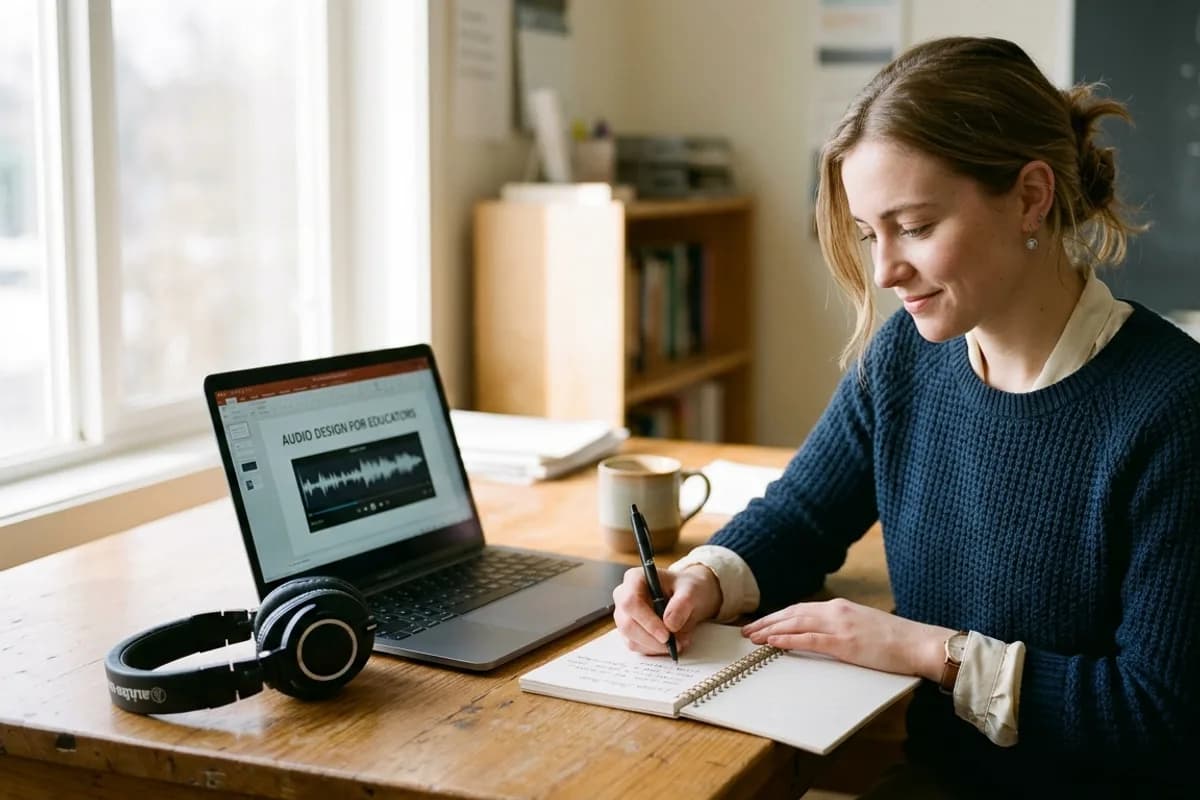
The DIY bedroom vocal booth setup
Here is how you can transform any domestic bedroom into a reflection-free acoustic chamber in five minutes:
Wardrobe Acoustic Hack
Step inside your wardrobe, push clothes hangers until they surround you on three sides, and close the doors behind your back. You achieve the acoustic isolation of an expensive commercial vocal booth without spending a dollar.
Microphone polar patterns and hardware choices
Understanding microphone pickup patterns helps prevent unwanted ambient noise from entering your reference recording. Consult the official Shure microphone placement and recording techniques guide for technical details on capsule directionality:
- Cardioid Pattern (Recommended): Cardioid microphones capture sound directly in front of the capsule and exhibit a dead zone (null point) at 180 degrees directly behind the body. Point the rear of a cardioid microphone towards your noisy computer fan to reject fan noise mechanically.
- Dynamic versus Condenser Microphones: Condenser microphones offer extended high-frequency response but are sensitive to room reverberation and lip-smacks. Heavy-diaphragm dynamic microphones naturally reject room reflections in untreated bedrooms, making them forgiving for fast voice cloning.
- Smartphone Microphones: If you do not own an external microphone, a recent iPhone or Android phone placed on a soft desk surface 15 cm from your mouth produces remarkable results, provided the surrounding room is acoustically dry.
Microphone positioning and the 30-degree off-axis rule
Even in a quiet room, improper microphone placement introduces physical distortions that degrade your voice clone:
- The Proximity Effect: Moving closer than 8 centimeters to a directional microphone makes your voice sound boomy and muddy. Maintain a comfortable distance of 15 to 20 centimeters (about one to two fists).
- Plosive Air Blasts: Words beginning with "P", "B", and "T" release bursts of air. If aimed directly at the microphone, this air creates a popping sound. Angle your microphone 30 degrees to the side of your mouth so breath passes by while your voice is cleanly captured.
- Clean Input Levels: Set your microphone input level so your voice sounds full and clear without clipping or distorting on loud words. Keep your meter comfortably in the green zone.
Acoustic Prep & Voice Sample Checklist
Verify each condition before recording your 15-to-30-second reference audio.
- Room check: zero active fans, air conditioners, or open windows.
- Reflection control: clothes closet or heavy duvet hung behind your position.
- Capsule alignment: 15 to 20 cm distance, angled 30 degrees to avoid breath blasts.
- Audio levels: healthy input volume with clear headroom and zero distortion.
- Delivery: conversational tone, normal energy, clean MP3 or WAV export.
Audio headroom, sample rates, and file formats
Good recording practices ensure your sample retains full vocal depth:
- Audio Format (WAV or MP3): Uploading clean WAV or high-bitrate MP3 ensures that subtle vocal nuances remain intact without compression artifacts.
- Safe Headroom: Leaving comfortable headroom gives your voice model clean dynamic range without harsh distortion.
- Avoid Over-Normalizing: Do not artificially boost your recording to the maximum digital limit. Natural speech needs headroom so vocal dynamics stay natural.
Recommended reference sample duration for cloning
Loup Studio recommends recording 15 to 30 seconds of clean, continuous conversational speech. The web recorder allows up to 60 seconds, while file uploads support 1 audio file per voice clone profile (up to 15 MB in WAV, MP3, M4A, FLAC, or OGG format; backend API route allows up to 5 samples).
Focusing on a short, clean sample ensures steady breath support and consistent vocal tone without vocal fatigue.
A focused 15-to-30-second recording captures your unique vocal characteristics. Once uploaded, the software creates your voice profile, allowing you to generate voiceovers for scripts of any length.
Audio Audition Comparison
The 5-step recording ritual for clean samples
Follow this five-step sequence every time you record a voice profile:
- Warm Up and Drink Water: Drink a glass of water before recording. Avoid cold drinks that cause throat tension or mouth clicks.
- Eliminate Background Noise: Turn off fans, air conditioners, and heaters. Place your computer away from the mic to keep fan noise out of the recording.
- Perform a Test Recording: Speak your opening line and confirm your levels are clean with plenty of headroom before clipping.
- Read a Conversational Script: Read 20 seconds of natural prose with varied sentences. Speak naturally, as you would on your YouTube channel.
- Listen with Headphones: Check your recording using headphones. If you hear traffic, room echo, or clicks, delete it and record a fresh sample.
Common voice recording mistakes versus proper practices
Review this diagnostic matrix before uploading your audio file:
| Audio Parameter | Common Creator Mistake | Proper Studio Technique | Impact on AI Clone |
|---|---|---|---|
| Room Echo | Recording in echoey tiled kitchen or empty office | Recording inside closet surrounded by clothes | Eliminates metallic hollow bathroom artifacts |
| Microphone Angle | Speaking directly into center of capsule | Angling mic 30 degrees off-axis from mouth | Eliminates bass thumps from P and B plosives |
| File Compression | Uploading 96kbps compressed MP3 | Uploading clean uncompressed WAV or high-bitrate MP3 | Preserves high-frequency vocal air and detail |
| Vocal Delivery | Reading in stiff monotone announcer voice | Speaking in natural conversational cadence | Produces natural inflection in synthesized takes |
| Audio Noise Floor | Running aggressive digital noise gate plugin | Fixing physical room noise at the source | Prevents clipped word beginnings and endings |
What script to read: phonetically balanced sentences
Do not improvise or mumble when recording your sample. Read carefully selected text that forces your mouth to articulate the full phonetic spectrum of the English language.
Suggested 20-Second Recording Script
Read this passage at your standard conversational speaking volume:
“In the quiet hours of early morning, our production workflow begins with natural cadence, depth, and genuine emotional resonance. We explore the frontiers of expressive speech synthesis, ensuring every finished sentence delivers pristine acoustic fidelity across all distribution channels.”
This short passage touches hard plosives (p, b, t), nasal consonants (m, n, ng), sibilants (s, sh), and diverse open vowel combinations (ow, ee, ai). It provides the Loup Studio voice synthesis engine with a complete acoustic cross-section in under 22 seconds.
Troubleshooting common voice sample acoustic flaws
If your generated voice model exhibits unnatural acoustic artifacts, inspect your input sample for these three common recording issues:
Acoustic Flaw Troubleshooting Guide
Resolve subtle recording issues before uploading your vocal take.
Persistent saliva mouth clicks on consonant starts.
Drink room-temperature water and eat a green apple slice to balance saliva acidity before recording.
Whistling sibilance on 'S' and 'Sh' sounds.
Rotate the microphone capsule an extra 10 degrees off-axis to avoid direct high-frequency breath beams.
Unnatural low-frequency bass boom in speech.
Increase mouth distance to 15-20 cm to neutralize proximity effect bass exaggeration.
- Excessive Mouth Clicks: Dehydration causes saliva strings to snap between your tongue and palate, creating tiny transient clicks. Eating a slice of green granny smith apple 10 minutes before recording naturally balances saliva acidity and eliminates mouth clicks without digital plugins.
- Harsh Sibilance ("S" and "Sh" Whistles): If your voice sounds piercing on "S" consonants, turn your microphone an additional 10 degrees off-axis. Sibilance energy radiates in a narrow beam directly forward from your teeth; angling the microphone avoids this concentrated high-frequency beam.
- Low-End Mud: If your synthetic voice sounds congested or boomy, you were sitting too close to the microphone. Increase your distance from 10 centimeters to 20 centimeters to neutralize the proximity bass boost.
Weighing domestic recording against professional sound booths
Assessing the practical tradeoffs between home recording and commercial studio spaces:
- Domestic Closets: Completely free, zero setup delay, and dense fabric absorption provides an acoustically dry recording environment ideal for voice cloning algorithms.
- Commercial Sound Booths: Provide total isolation from external traffic rumblings, but renting a commercial studio space for a 30-second reference take is unnecessary when soft domestic furnishings achieve identical dry acoustic results.
- Consistency Over Gear: Ensuring consistent microphone placement and ambient quiet matters far more than whether your capsule was housed in a professional facility.
Next steps: putting your cloned model into production
Once you capture your clean reference sample, navigate to Loup Studio and upload your audio file. The voice synthesis engine creates your voice profile in your account.
Sample Testing Tip
After uploading your 20-second sample, generate a quick 2-sentence test paragraph. If the synthesized audio sounds natural and clean, your reference take is optimal and ready for production scripts.
To learn how to direct your new voice profile in weekly video editing, explore our practical guide on how to clone your voice for YouTube videos. If you are narrating long-form manuscripts, see our walkthrough for author-narrated AI audiobooks, or test your sample on free AI voice cloning starter plans. For full neural speech architecture details, consult our complete guide to AI voice cloning.
Frequently asked questions about recording voice samples
Frequently Asked Questions
Try Loup Studio AI voice cloning free
Record a short sample of your voice and turn any script into a voiceover. 10,000 free credits every month, no card needed.