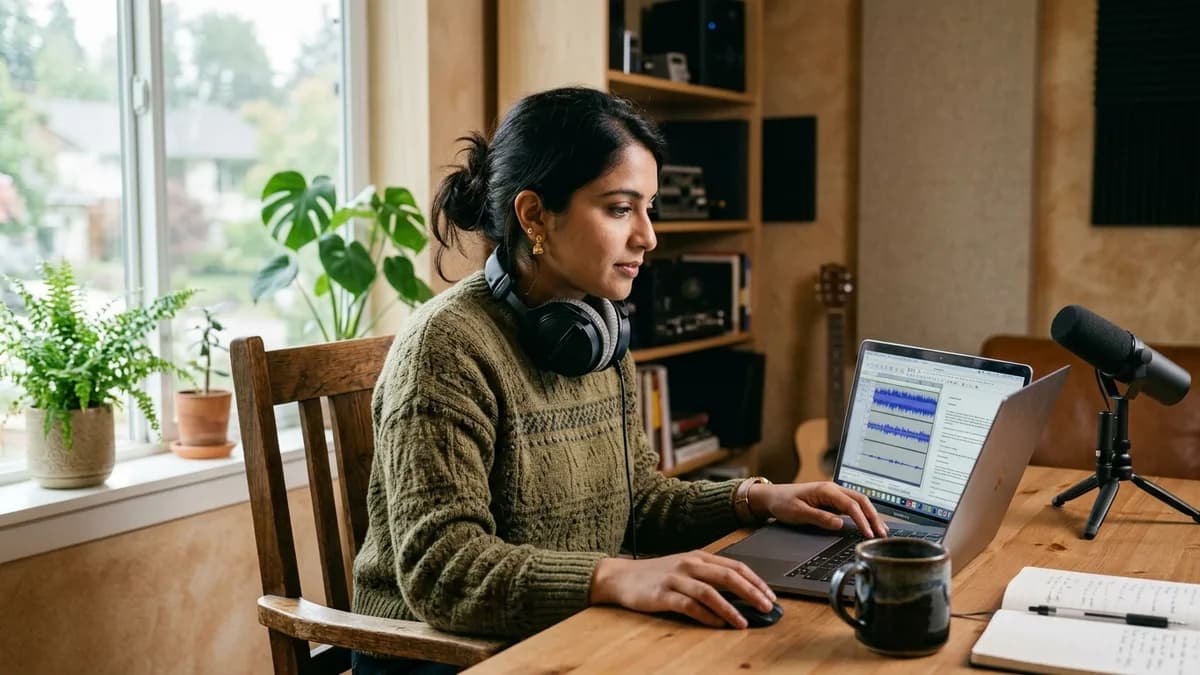
To generate a free AI voiceover in your own voice, record a clean 20-second voice sample, upload the audio into a web synthesis tool, and type your script to export synthesized MP3 or WAV files. Modern platforms provide free starter tiers that let you test your personal vocal clone on real video projects before committing to paid monthly allowances.
Key Takeaways
- Loup Studio Soundcheck provides 10,000 monthly credits and 3 personal voice slots under our terms of service.
- Open-source models like XTTS are free but need technical setup, and run slowly without a good GPU.
- A 20-second sample recorded in a quiet room with soft surfaces is enough to get started.
Own Voice vs Pre-Made Audio
Generic pre-made voices make your content sound like an automated spam channel. Cloning your personal voice preserves your brand identity while accessing the speed of text-to-speech generation.
The 4 options for free personal voice cloning
Not all free tiers are created equal. Let us compare the four distinct avenues available for creators who want to clone their own voice:
Loup Studio's free plan lets you clone your voice and generate a few minutes of voiceover each month before you decide on a paid plan.
| Method / Option | Monthly Cost | Setup Effort | Commercial Rights | Technical Barrier | Best For |
|---|---|---|---|---|---|
| Loup Studio Soundcheck | $0 (10k credits/mo) | Low (20s browser upload) | Yes, commercial license included (see our terms) | Zero coding required | YouTube creators & solo publishers |
| ElevenLabs Free | $0 (10k credits/mo) | Low (browser) | No commercial license on the free plan | Zero coding required | Non-commercial testing |
| Descript Free | $0 (1 media hr/mo) | Medium (desktop app) | Check their terms for commercial use | Audio timeline editor | Rough-cut script drafting |
| Local Open-Source (XTTS) | $0 (Self-hosted) | High (Local Python environment) | Non-commercial only (Coqui Public Model License) | GPU recommended | Developers & AI researchers |
While open-source tools offer local processing, they demand significant technical setup and expensive computer hardware. In contrast, cloud platforms like Loup Studio handle voice cloning on server infrastructure, delivering audio in your browser.
Option 1: Loup Studio Soundcheck (Browser simplicity + terms of service)
Loup Studio Soundcheck was designed specifically for creators who need an accessible voice clone without a paywall. You receive 10,000 free monthly credits (characters) and 3 custom voice slots.
For complete foundation details and architectural walkthroughs, explore our comprehensive AI voice cloning setup.
Soundcheck gives you 10,000 monthly credits (about 9 minutes of audio), MP3 or WAV downloads, and a commercial license under our terms of service.
Soundcheck is ideal for video creators who record their main footage live but want a reliable pickup engine. You can fix mispronounced names, patch B-roll gaps, or generate punchy social media hooks in minutes.
Option 2: ElevenLabs Free (no commercial license on the free plan)
ElevenLabs provides an expressive voice synthesis engine with realistic dynamic prosody for dramatic narrative dialogue.
According to the ElevenLabs Help Center (as of November 2026), there is no commercial license on the free plan: “The Free plan does not include a commercial license and cannot be used for any commercial purpose.” Attribution is also required (“you must attribute ElevenLabs by including ‘elevenlabs.io’ in the title”). If you earn money from your content, you must upgrade to a paid tier.
Option 3: Descript Free (check their terms for commercial use)
Descript approaches voice synthesis from an audiovisual timeline editing perspective. Rather than operating purely as a standalone speech generation studio, Descript embeds voice cloning into its script transcription workspace.
According to the Descript pricing page, the Free plan includes 1 hour of media minutes per month (as of November 2026); check their terms for commercial use. It is well-suited for creators wanting to test text-based video rough cuts, though for multi-hour voiceover capacity, a paid plan or a dedicated voiceover tool will suit you better.
Option 4: Local Open-Source Models (XTTS)
For technical creators with high-end desktop hardware, running open-source neural models locally provides complete offline independence. Tools like XTTS allow voice cloning directly on your own computer under the Coqui Public Model License, which is non-commercial only.
Advantages
- Zero subscription fees or character limits beyond your hardware capacity.
- Complete privacy: reference audio and synthesis never leave your local machine.
- Open-source community models can be fine-tuned locally.
Limitations to Consider
- Requires a powerful GPU with at least 8 GB of VRAM.
- Requires installing Python, CUDA drivers, PyTorch, and managing command-line scripts.
- Synthesis speeds on consumer GPUs are slower than optimized cloud clusters.
If you are comfortable running terminal commands and have a dedicated graphics card, local cloning offers great privacy. However, for most creators seeking immediate video workflows, cloud tools save hours of technical configuration.
If you earn money from your videos, check commercial-use terms before you pick a free tool.
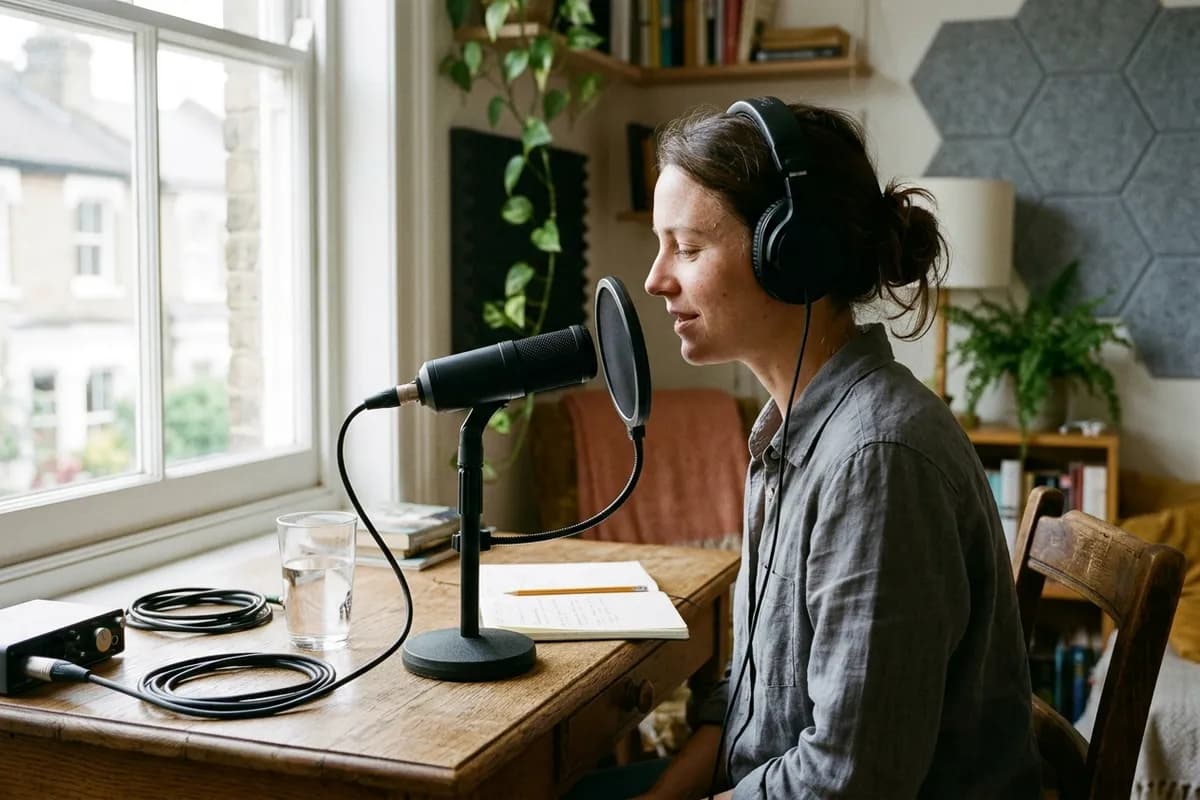
Acoustic setup: turning a smartphone into a studio reference recorder
You do not need an expensive microphone to create a clean voice model. Modern smartphone microphones capture clear speech when you record in a quiet room with soft furnishings like a clothes closet, which absorbs room echo and delivers a direct vocal signal.
Auditioning fidelity: reference microphone take versus cloned voice
The true measure of a voice cloning engine is how closely it reproduces your unique vocal weight and pacing. Compare a reference microphone recording against the Loup Studio neural clone:
Audio Audition Comparison
Step-by-step: creating your personal voice clone in 5 minutes
Setting up your custom voice model requires only a quiet room and 20 seconds of continuous speech:
Record 20 seconds of conversational speech in a quiet room with soft textiles to eliminate room reverberation.
- Prepare Your Acoustic Space: Choose a small room with soft fabrics, like a clothes closet or bedroom with heavy curtains. Turn off desk fans, air conditioning, and computer cooling fans to eliminate ambient hiss.
- Record a 20-Second Reference Audio Sample: Speak into your microphone or phone at a distance of 15 cm. Read a natural conversational paragraph with steady volume and normal pacing. Save as a WAV or MP3 under 15 MB.
- Upload Audio into Loup Studio: Create a free Soundcheck account. Navigate to the Voice Clone tab and upload your audio file. The software creates your voice profile in your account.
- Type and Direct Your Script: Paste your script into the editor. Insert commas to direct natural breathing breaks and em-dashes for dramatic pauses. Click generate to synthesize audio.
- Download Clean Audio Stems: Audition your synthesized take. Download clean MP3 or WAV stems and drop them directly onto your video editing timeline.
Budgeting your free credits: what you can produce each month
Understanding how to allocate your 10,000 free monthly credits ensures you never run out mid-project:
- Timeline Pickups: 120 to 140 sentence corrections across video projects (~70 characters per pickup take).
- Short-Form Video Hooks: 25 to 30 opening hooks for TikToks or YouTube Shorts (~350 characters each).
- Full Short Essays: Two complete 4-minute YouTube scripts (~4,500 characters each).
Script directing syntax: punctuation and breathing breaks
Punctuation marks direct speech cadence and breathing breaks in your script. Use commas for natural short pauses between thoughts, em-dashes for dramatic pivots, and short sentences to keep delivery lively and conversational.
The audio patch workflow: fixing video mistakes without re-recording
One of the most valuable uses of a free personal clone is fixing minor errors in recorded video timelines. In traditional post-production, discovering a factual typo at minute 12 requires rebuilding your recording setup.
- Isolate the Cut: In your video editor, find the start and end points of the incorrect sentence and note the duration.
- Generate the Correction: Type the corrected sentence in Loup Studio using your cloned voice, matching sentence length to the duration.
- Export and Drop on Timeline: Export clean WAV or MP3 audio and drop it over your B-roll with subtle crossfades.
- Bed with Ambient Tone: Keep a subtle room tone track underneath to smooth acoustic boundaries.
This audio patch routine cuts hours out of post-production. A single sentence correction uses roughly 60 to 80 characters. On the Soundcheck plan, you can patch over 120 narration errors every month without spending a single dollar.
Common mistakes when cloning your own voice for free
Avoid these three frequent pitfalls when generating custom voiceovers:
Voice Cloning Acoustic Mistakes
- Mistake: Recording reference samples in an echoey kitchen or tiled room.
Fix: Surround your microphone with soft fabrics, pillows, or clothes to absorb high-frequency slapback. - Mistake: Speaking in an artificial radio announcer voice during reference recording.
Fix: Speak with your natural conversational energy, volume, and inflection. - Mistake: Re-rendering an entire 10-minute script to correct a single misspoken word.
Fix: Generate only the replacement 5-word sentence and patch the clip directly into your NLE timeline.
Maintaining vocal consistency across long-running video series
Building an audience requires a consistent vocal identity. When creators record live over several months, vocal tone can drift due to room changes or vocal fatigue.
Series Voice Consistency Checklist
Maintain identical vocal timbre across months of video uploads.
- Use the identical custom voice model across all episodes in a series.
- Maintain consistent script punctuation to preserve established speaking tempo.
- Keep dialogue volume consistent across episodes to maintain comfortable listening levels.
- Keep a dedicated ambient room tone track running continuously under dialogue cuts.
Voice cloning solves vocal drift permanently. Because the model remains consistent, your synthetic narrator delivers the same natural pitch, pacing, and warmth whether you generate audio today or months down the line.
Synchronizing voice stems with visual B-roll and screen captures
Pacing your voiceover to match visual edits is critical for viewer retention. When narration runs too quickly, viewers struggle to absorb on-screen diagrams. When it lags, attention drops.
Place visual transitions at commas and natural breath pauses to maintain high viewer engagement and narrative flow.
- Place Visual B-Roll on the Primary Video Track: Assemble your rough video cut first. Note the exact start and end timestamps for each visual scene or software demonstration.
- Draft Sentence Lengths to Match Scene Duration: A 6-second visual clip comfortably accommodates roughly 12 to 14 spoken words. Adjust sentence length in your script to match screen time.
- Generate and Audition Synthetic Stems: Render the sentence in Loup Studio. If the take runs slightly long, insert an em-dash or trim words to tighten the spoken duration.
- Align Audio Waves with Visual Action Cues: Snap the beginning of key words to the exact frame where visual callout arrows or screen zoom-ins appear.
When to scale up: upgrading to the Storyteller plan
When your video publishing schedule grows beyond 10,000 monthly credits, upgrading to a dedicated creator tier enables massive production headroom:
- Soundcheck ($0/mo): 10,000 monthly credits for pilots, testing, and periodic timeline pickups.
- Storyteller ($7/mo or $67/yr): 1,000,000 credits (~15.4 audio hours) with 25 custom voice slots.
- Director ($29/mo or $278/yr): 5,000,000 credits (~77 audio hours) with 100 slots for daily video workflows.
- Studio Master ($49/mo or $470/yr): 10,000,000 credits (~154 audio hours) with 250 slots for high-output audio teams.
On the Storyteller plan, 1,000,000 monthly credits costs only $7 per month (or $67 per year), giving you over 15 hours of finished speech. That allows you to produce four 45-minute documentary episodes every month and never worry about running out of credits. Explore our detailed companion guide on free AI voice cloning allowances and compare tools in our review of the best AI voice cloning tools.
Every Loup Studio plan includes commercial licensing for generated audio under our terms of service, along with clean MP3 or WAV downloads. Use coupon code NEWLOUP20 on our offer page to save 20% on annual subscriptions. Read our comprehensive guide on how to record a clean voice sample to build your custom vocal model today.
Frequently asked questions about personal voice cloning
Frequently Asked Questions
Try Loup Studio AI voice cloning free
Record a short sample of your voice and turn any script into a voiceover. 10,000 free credits every month, no card needed.