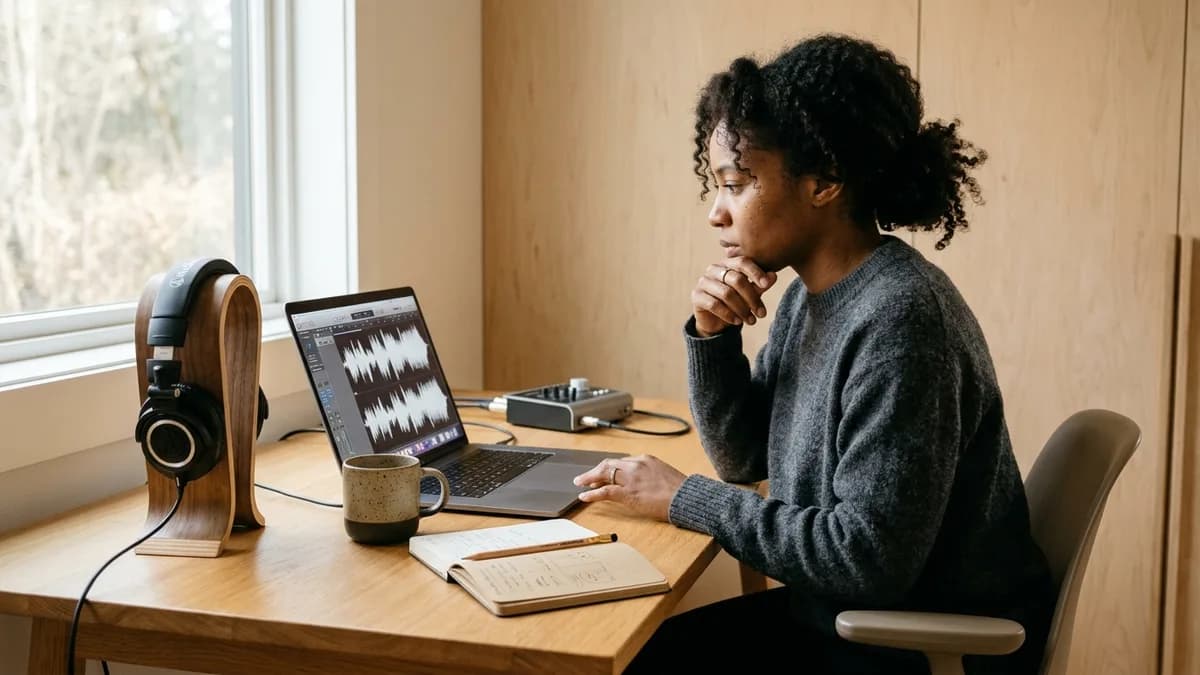
AI voice cloning lets you record a short clip of your voice once, then turn any script into a voiceover that sounds like you. If one sentence changes, you edit the text and generate it again instead of setting up the mic for a new take.
Loup Studio is an AI voice cloning tool: record a short sample, paste your script, download MP3 or WAV.
This guide covers how cloning works, what makes a good sample, what it costs, and where it still falls short.
Key Takeaways
- Voice cloning in Loup Studio needs a clean 15–30 second sample of your voice.
- A quiet room with soft surfaces helps your sample more than buying new gear.
- At regular prices, paid plans work out to about $0.32–$0.45 per hour of audio ($49 ÷ 154 h to $7 ÷ 15.4 h).
- Script directing uses punctuation (commas, dashes, ellipses) and phonetic spelling to guide cadence and pronunciation.
- Commercial licensing under our terms of service is included on all Loup Studio tiers, starting with 10,000 monthly credits on Soundcheck.
What is AI voice cloning and how does it function?
AI voice cloning analyzes your speaking voice and creates a digital profile modeled on your natural voice. The software learns your natural pitch, cadence, and vocal tone from a short reference recording. When you type or paste a script, the voice generator creates speech that reflects how you sound when speaking into a microphone.
When a line changes, you can fix it in our AI voice cloning tool by editing the text instead of re-recording.
For digital video creators, podcasters, and educators, voice cloning solves the most frustrating part of audio production: pickup takes. In a traditional recording workflow, finding a mispronounced word or an outdated statistic at the 12-minute mark of a finished video requires setting up your microphone, matching previous room acoustics, and punching in a retake. With modern voice cloning, you generate the replacement sentence directly in the editor. You can even test the workflow on free AI voice cloning starter tiers without committing upfront budget.
Older speech synthesis tools pieced together fragmented audio clips from recorded dictionaries, resulting in robotic and stiff narration. Modern AI voice software generates natural speech directly from text, creating smooth sentence pacing and realistic pauses between thoughts.
Consent and Platform Integrity
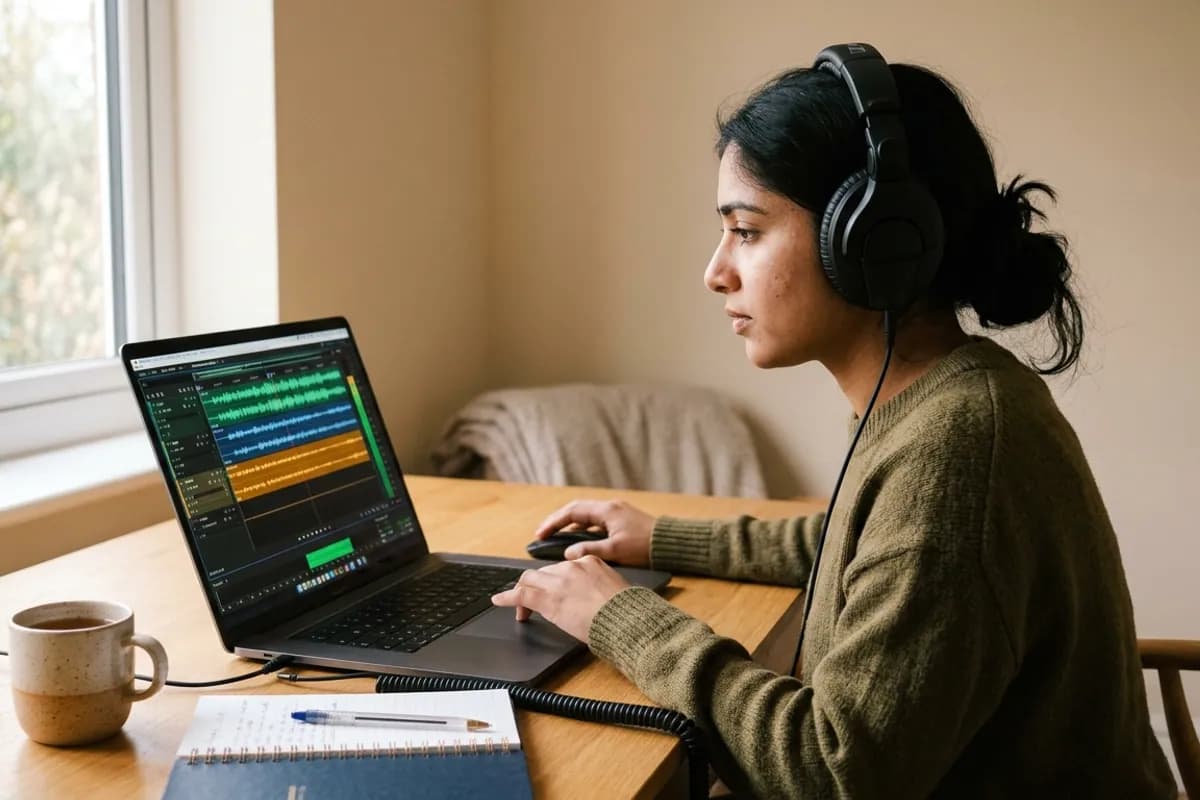
You may only clone your own voice or voices for which you possess verified written consent. Only clone your own voice or a voice you have written permission to use. Read our detailed guide on voice cloning legal guidelines and consent to ensure your projects follow ethical standards. All models remain accessible only to your user account.
How voice cloning captures your unique vocal style
When you submit an audio file to Loup Studio, the system analyzes your sample across key vocal characteristics:
- Pitch and Intonation: Your natural pitch range and the melodic inflection you use when making statements or asking questions.
- Vocal Tone and Resonance: The physical qualities of your voice that give it warmth, rasp, or clarity.
- Speech Timing and Cadence: How quickly you speak, how you pronounce consonants, and where you take natural micro-pauses.
- Room Acoustics: Ambient characteristics of your room, which is why recording in a quiet space with soft surfaces helps your sample.
The software combines these elements into a digital voice profile. When you enter a new script, the system applies your vocal profile to read the lines naturally in your voice.
Voice cloning versus studio recording and manual voiceover
Audio production teams and video creators balance speed, vocal consistency, turnaround time, and setup friction. Neural voice cloning offers an alternative to unpredictable studio sessions and repetitive microphone re-records.
| Production Method | Turnaround & Speed | Voice Consistency | Pickups & Corrections | Setup & Effort | Best For |
|---|---|---|---|---|---|
| Loup Studio Voice Clone | Usually quick (depends on script length) | Closely matched to your personal vocal timbre | Retype words or fix lines directly in editor | Low: 15–30 second clean sample via mic or upload | Weekly YouTube, tutorials, courses, pickups & B-roll |
| Generic Synthetic Speech | Seconds (text-to-speech) | Impersonal: shared across thousands of competing channels | Retype words in editor | Zero: select standard generic preset | Anonymous commentary or quick generic prototypes |
| Recording Yourself | Hours to days: setup, recording, editing, de-noising | Variable: shifts with vocal fatigue, room noise, mic angle | High friction: requires matching mic distance and room tone | High: quiet room, microphone, audio interface, editing | On-camera live takes and spontaneous video reaction |
| Hiring a Voice Actor | 24 to 72+ hours turnaround per take | Dependent on contractor availability and performance | Slow: re-booking fees, calendar delays, studio scheduling | High coordination: casting briefs, contracts, revisions | High-budget broadcast commercials and audiobooks |
For modern creators publishing weekly video essays, educational tutorials, and social content, neural voice cloning delivers consistent vocal identity without the logistical hurdles of setting up microphones for every single sentence revision. If you frequently hire freelancers, our breakdown comparing AI voiceover vs voice actor costs details exact hourly budgets, while our industry review of the best AI voice cloning tools covers broader platform trade-offs.
The creator math: characters, credits, and finished minutes
Managing an audio production budget requires understanding how text length translates into synthesized audio time. Loup Studio operates on a character-metered engine where one credit equals one character of text (including spaces and punctuation). A standard conversational speaking pace is roughly 180 words per minute, creating an industry-standard baseline of roughly 1,083 characters per minute of finished audio (roughly 6 characters per word including spaces). Review our in-depth reference on characters per minute of voiceover and our cost guide to voice cloning price per hour for exact script estimation.
Understanding this ratio helps you select the correct plan for your publishing schedule. If you publish two 10-minute YouTube videos each week, your monthly runtime is approximately 80 minutes of audio. That requires roughly 86,640 characters—comfortably covered by the Storyteller plan, which provides 1,000,000 credits per month for $7 ($67 billed annually). Check our detailed breakdown on plans and pricing to estimate your specific channel volume.
At regular prices, paid plans work out to about $0.32–$0.45 per hour of audio ($49 ÷ 154 h to $7 ÷ 15.4 h). Paid plans include the Director (5M credits for $29/mo) and Studio Master (10M credits for $49/mo) tiers for longer projects.
Calculate your monthly credit requirements
Drag the slider below to calculate your required credits based on your monthly audio duration. The calculator applies our exact formula (minutes × 1,083 characters) to match your workflow with the ideal tier.
Interactive Audio Credits Calculator
Natural speaking pace: ~1,083 characters (1 credit = 1 character) per finished minute
The 4-step Loup Studio voice cloning workflow
Setting up your personal clone takes less than two minutes from your web browser. Follow this structured sequence to generate your first digital model:
- Prepare Your Acoustic Space: Choose a small room with soft furnishings like a bedroom with heavy curtains or a clothes closet. Turn off desk fans, air purifiers, and computer cooling fans to eliminate quiet background noise.
- Record or Upload a Clean Vocal Sample: Speak into your microphone at a distance of 15 to 20 centimeters, angled 30 degrees off-axis. Read a natural paragraph with steady conversational energy for 20 seconds. If uploading an existing file, provide a WAV, MP3, M4A, or FLAC file under 15 MB.
- Direct the Script with Punctuation: Paste your copy into the Loup Studio editor. Punctuation usually changes pacing, for example a comma often adds a short pause. Generate one test line first to hear how your clone reads it. Use phonetic spellings for non-standard industry terms.
- Audition and Export Audio Files: Listen to the generated take in the real-time player. Select your desired export format—WAV for uncompressed DAW editing, or MP3 for direct web upload—and download.
Auditioning fidelity: original recording versus cloned speech
The truest test of an audio synthesis engine is how faithfully it preserves the harmonic character, resonance, and pacing of the reference speaker. Below, listen to a raw microphone intake compared directly against the cloned output generated by Loup Studio:
Audio Audition Comparison
Room acoustics: why your bedroom walls matter more than your mic
Purchasing an expensive microphone does not ensure a clean voice clone if your room has flutter echo. Sensitive microphones in an untreated space pick up sound reflections from bare walls, windows, and hard floors.
When training algorithms process an echoey sample, the room's reverb gets baked into your voice profile, making generated sentences sound distant or hollow.
Recording inside an untreated kitchen, tiled office, or bare room causes your voice to bounce off walls. Record inside a walk-in clothes closet or bedroom facing hanging clothes, pillows, and soft blankets to eliminate echo.
Soft fabrics absorb sound reflections and deliver a clean, direct vocal signal. Read our in-depth walkthrough on recording a voice sample for cloning for practical DIY acoustic setups.
Punctuation directing and phonetic respelling
Punctuation usually changes pacing, for example a comma often adds a short pause. Generate one test line first to hear how your clone reads it. By adjusting punctuation in your script editor, you can test how different marks influence cadence:
- Commas (`,`) often add a short pause before continuing.
- Em-dashes (`—`) can introduce a distinct pause for parenthetical remarks or transitions.
- Ellipses (`...`) can create a trailing pause between thoughts.
- Question marks (`?`) guide question inflection on final words.
Phonetic Respelling for Tricky Names
If the synthesizer mispronounces a regional surname or tech acronym, respell it phonetically in your script box. For instance, spell Nguyen as Win, or PostgreSQL as Postgres Q-L. This ensures reliable pronunciation accuracy without needing multiple takes.
Audio capacity by plan: matching credits to production volume
In digital media production, your monthly credit allowance directly dictates your audio publishing throughput. Loup Studio tiers provide generous audio runtime calculated against our 1,083 characters per minute baseline. For high-volume projects like audiobooks or full online courses, explore our step-by-step walkthroughs on long-form AI narration and producing an AI audiobook in your own voice.
Real-world production benchmarks and limitations
While neural voice synthesis has eliminated manual pickup takes for routine voiceovers, creators must respect its technical boundaries:
- Dramatic Vocal Extremes: Synthetic models excel at steady conversational narration, tutorials, and explainer videos. Shouted battle cries, intense whispered suspense, or extreme emotional sobbing still require manual voice actor takes.
- Acoustic Matching for Pickups: When punching a cloned line into an existing live-action video, match the room acoustics by blending a sliver of natural room tone underneath the synthesized take.
- Phonetic Edge Cases: Specialized medical terminology, regional surnames, and technical acronyms should be auditioned on test lines before batch rendering.
For creators developing video series without on-camera recording, our guide on faceless YouTube channels using your own AI voice demonstrates how to blend synthetic speech cleanly with B-roll.
Model quality verification: evaluating your cloned voice profile
Before deploying your newly cloned voice across large production batches, run a brief acoustic validation check. Generating three short test lines reveals whether your reference sample captured full vocal depth or requires a cleaner recording.
Voice Profile Verification Checklist
Verify these four acoustic qualities before generating full chapter or video voiceovers.
- Phonetic clarity: verify crisp consonant transitions and natural vowel sounds across varied vocabulary.
- Timbre fidelity: ensure the generated audio retains your natural vocal resonance and characteristic warmth.
- Punctuation response: test how commas, ellipses, and em-dashes influence pauses and pacing.
- Acoustic cleanliness: check that synthesized output has no obvious hiss, echo, or metallic sound.
For video creators looking to streamline their weekly YouTube publishing schedule, our comprehensive guide on how to clone your voice for YouTube videos covers timeline integration, editing, and YouTube's disclosure rules.
Frequently asked questions about voice cloning
Frequently Asked Questions
Try Loup Studio AI voice cloning free
Record a short sample of your voice and turn any script into a voiceover. 10,000 free credits every month, no card needed.