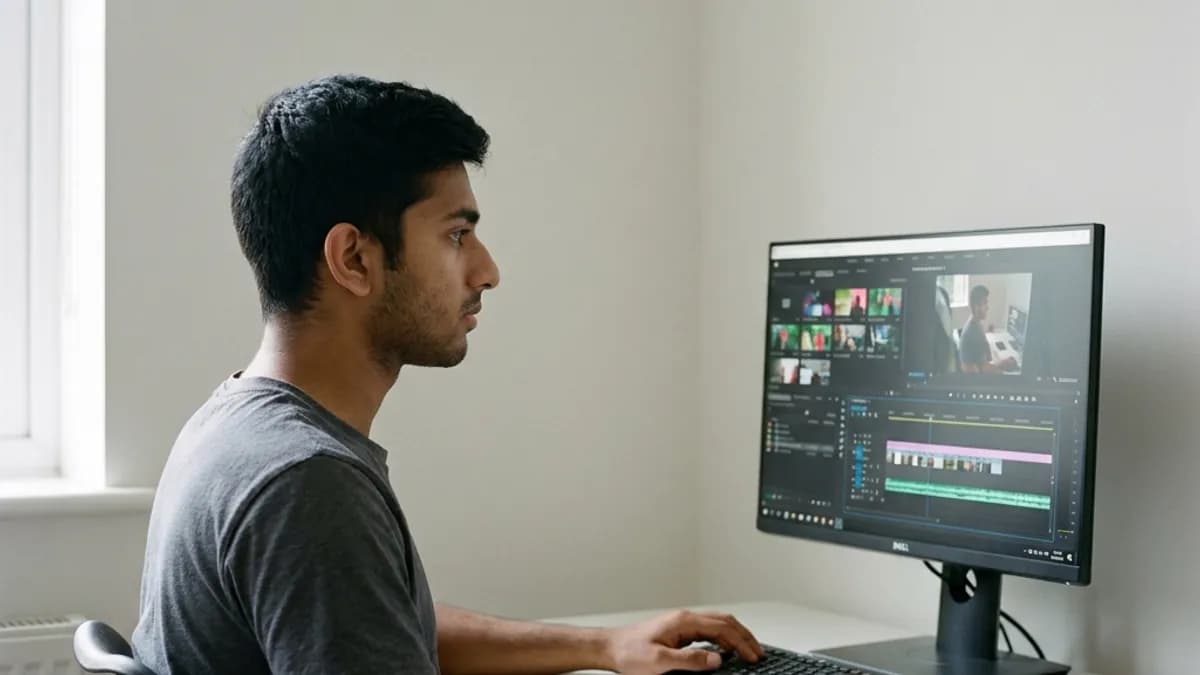
Cloning your voice for YouTube lets you patch recording mistakes, update sponsor segments, and generate complete video essays without setting up a microphone every time. By training a digital voice model on a short sample of your speech, you produce matching audio pickups directly from text.
Key Takeaways
- YouTube permits voice cloning for original content; only automated, low-effort re-used spam faces demonetization.
- YouTube requires creators to check the synthetic media disclosure box when realistic AI audio depicts real human speech.
- A typical 10-minute video essay consumes approximately 10,830 credits (about 1,500 words) at 1,083 characters per minute.
- Audio matching requires room tone layering and gentle high-pass filtering to blend synthetic inserts with camera takes.
Why top creators clone their voice for YouTube workflows
Every independent video creator understands the sinking feeling of discovering an audio error during late-stage timeline assembly. You spend four hours recording a 12-minute technical breakdown, tear down your tripod and ring lights, import your footage into Premiere Pro, and notice that you called a software update "version 3.2" instead of "version 4.2."
On Loup Studio, you upload a 15–30 second clip, paste your script, and download the voiceover as MP3 or WAV.
In the past, you faced three unpleasant choices: leave the factual error in your video and pin a comment, cut the visual sequence awkwardly, or rebuild your entire recording setup to record one 6-word sentence. Modern video creators resolve this with a quick audio pickup. Because voice cloning matches your speaking cadence and vocal style, you type the corrected sentence, export an audio take, and drop it over your B-roll. The viewer hears a smooth narrative continuation.
Channel Workflow Efficiency
Voice cloning is not meant to replace your personality—it is designed to replace tedious pickup sessions. Use live camera audio for your hero intro and face-cam reactions, and use your cloned voice model to narrate complex B-roll segments or patch factual updates.
YouTube monetization rules for synthetic and cloned audio
A frequent question across creator forums is whether synthetic voiceovers trigger monetization penalties under the YouTube Partner Program (YPP). The direct answer is no, provided your content is original and offers clear viewer value. YouTube specifically restricts low-effort production across two categories:
- Reused Content: Content that repurposes someone else's footage or audio without adding significant original commentary, analysis, or narrative value.
- Repetitive Content: Mass-produced videos generated programmatically with template scripts and generic robot voices.
When you write an original script, edit thoughtful visual footage, and use a clone of your own verified voice, you follow YouTube policies. You are simply using speech synthesis as an audio production tool, similar to using color grading LUTs or audio restoration plugins.
The YouTube Studio synthetic media checklist
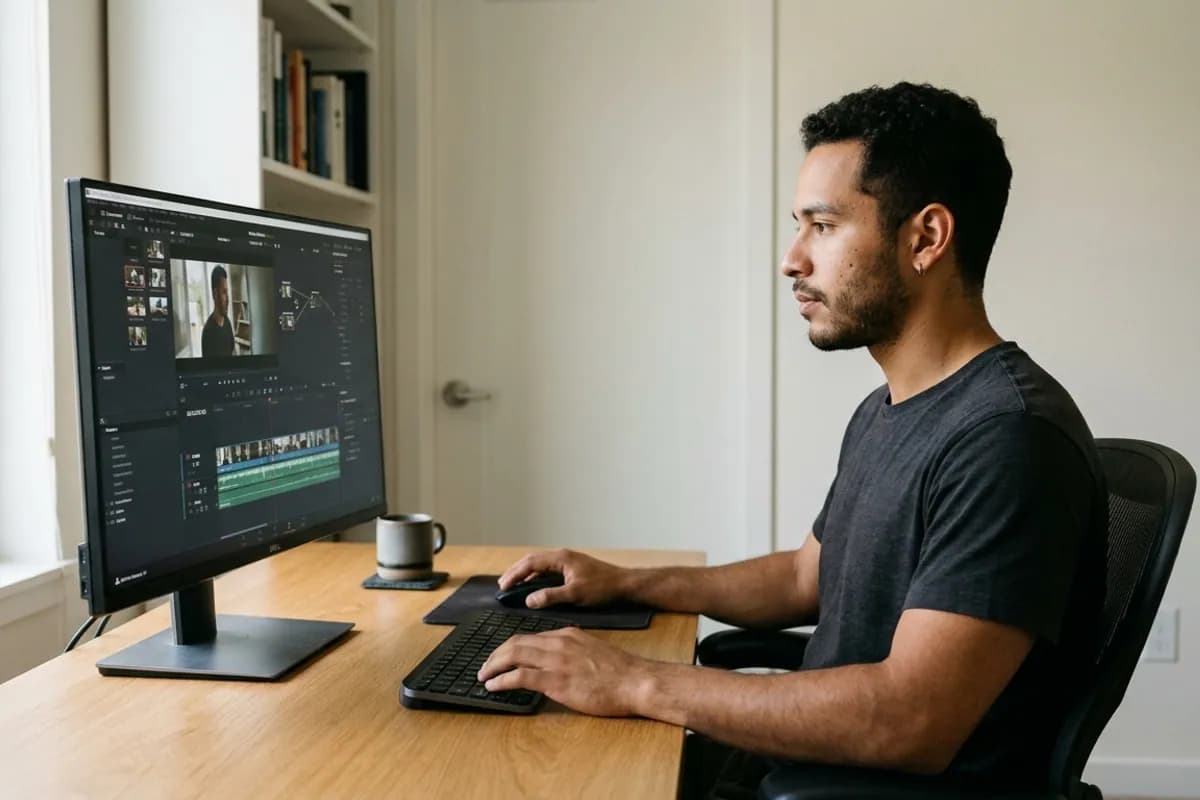
During the video upload sequence in YouTube Studio, scroll to the "Altered content" section under advanced details. In accordance with the official YouTube Official Synthetic Content Disclosure Guidelines, creators must disclose when content realistically depicts a person saying or doing something they did not do.
If your video uses a cloned voice to read lines that you did not physically vocalize on camera, select "Yes." YouTube adds a small, subtle label in the video description indicating altered or synthetic audio. This label does not restrict your ad revenue, does not reduce algorithmic impressions in search or browse features, and prevents audience confusion.
Audio cost efficiency: comparing subscription tiers
Production costs per audio hour drop significantly as channel volume scales. Loup Studio delivers high-quality voice synthesis with transparent, character-metered pricing that eliminates studio rental overhead.
Credit consumption math for YouTube publishers
Estimating your operational costs requires matching your video publishing velocity with credit consumption. Loup Studio calculates credits based on character volume, with 1 character equaling 1 credit. At our baseline rate of 1,083 characters per minute of audio, budgeting your monthly production is straightforward:
- Quick Product Review or Short Tutorial (5 Minutes): Approximately 750 words, consuming roughly 5,415 credits.
- Standard Video Essay or Tech Breakdown (10 Minutes): Approximately 1,500 words, consuming roughly 10,830 credits.
- In-Depth Documentary or Masterclass (20 Minutes): Approximately 3,000 words, consuming roughly 21,660 credits.
Even if you produce two full-length videos per week (80 minutes of monthly runtime), you consume less than 90,000 credits each month. The $7/mo Storyteller plan gives you 1,000,000 credits—meaning you have more than ten times the headroom needed to re-generate takes, test alternative phrasings, and produce weekly video uploads. Explore the complete breakdown on our pricing overview.
The 5-stage YouTube audio pickup pipeline
Integrating cloned audio into an active video editing timeline follows an orderly five-stage technical pipeline:
- Identify the Exact Timeline Gap: In your video editing software, isolate the exact clip where the audio flaw occurs. Note the duration of the gap so you can match the spoken rhythm.
- Write the Replacement Line with Natural Pacing: Type the replacement sentence into Loup Studio. If the original gap is 4.5 seconds, craft a sentence containing roughly 10 to 12 words to maintain natural speech velocity.
- Use Punctuation to Direct Cadence: Insert commas or em-dashes where your video timeline requires visual breathing room. This prevents the synthetic voice from rushing through a sequence where B-roll requires slow pacing.
- Export Audio Format: Always export clean MP3 or WAV audio to avoid multiple compression stages between synthesis and final video rendering.
- Crossfade and Bed with Ambient Tone: Add a subtle crossfade at the head and tail of the replacement clip. Underneath, place a continuous track of recorded room tone to hide the acoustic boundary.
Common Audio Pickup Mistakes on Video Timelines
Avoid these three subtle editing errors when inserting cloned speech patches into existing video tracks.
Hard-cutting synthetic audio without crossfades or room tone.
Apply a subtle crossfade on both ends of the audio clip and keep a continuous bed of recorded room tone underneath the timeline.
Exporting compressed MP3 files for multi-generation timeline encoding.
Export clean WAV files from Loup Studio so your video editing suite works with pristine audio.
Typing run-on sentences without punctuation pauses.
Add commas and periods deliberately where you naturally took a breath in your live on-camera footage.
Timeline pickup methods compared: re-recording versus AI cloning
Audition how closely Loup Studio voice synthesis preserves your natural speaking resonance compared to an original microphone take:
Audio Audition Comparison
| Method | Setup Friction | Acoustic Consistency | Time Required | Cost Impact |
|---|---|---|---|---|
| Live Microphone Punch-In | High (lights, mic, quiet room) | Moderate (room tone often shifts) | 45 to 90 minutes | Wasted creator hours |
| Loup Voice Clone Pickup | Zero (browser text editor) | Exact (matches trained model) | Under 60 seconds | Pennies in credits |
| Leaving Mistake / Pinned Comment | None | N/A | Zero | Harms channel authority |
Mixing and mastering the synthetic track in your NLE
When you place a synthetic audio take into Premiere Pro, DaVinci Resolve, or Final Cut Pro, applying a simple three-step audio process helps the voiceover blend smoothly with your camera footage:
- Step 1: Low-Cut Filter: Apply a gentle low-cut filter to eliminate sub-bass rumble and unnecessary low frequencies.
- Step 2: Presence Matching: If your on-camera microphone captured more room presence or treble, adjust your equalizer slightly to match the tone of your live takes.
- Step 3: Ducking under Background Music: Lower your background music automatically whenever the voice speaks. This gentle ducking creates a clean mix and helps narrative inserts sit naturally.
Timeline Pacing: Adding Micro-Pauses for B-Roll
If an explanatory graphic takes 3 seconds to animate on screen, don't rush the narration. Insert an ellipsis or em-dash in your script text to create a natural pause that matches the visual pacing of your B-roll.
Audience retention and speech cadence on YouTube
Viewer drop-off spikes whenever speech sounds unnatural, repetitive, or poorly paced. YouTube analytics reward videos that maintain a consistent narrative rhythm:
- Hook Velocity (0:00 to 0:30): In the opening 30 seconds of your video, keep sentences concise. Brisk pacing and tight cuts maximize initial retention.
- Exposition Breathing Room: During detailed explanations, use em-dashes and commas to insert natural pauses. Pacing variations give viewers time to absorb visual graphs and screenshots.
- Call to Action Cadence: At transitional chapter marks, end statements cleanly without upward inflections unless asking a direct rhetorical question.
Timeline pickups: fixing narration errors without re-recording
Audio pickups represent a major bottleneck in YouTube post-production. Discovering a mispronounced product name or outdated sponsor code during rough-cut review usually requires setting up your microphone, matching previous room acoustics, and recording a single replacement sentence.
Timeline Pickup Workflow Checklist
Verify each step before integrating audio pickup takes into your editing timeline.
- Identify exact timeline cut points and target sentence duration in your NLE.
- Type replacement sentence in Loup Studio with matching punctuation cadence.
- Generate audio take using your custom cloned voice profile.
- Export clean MP3 or WAV audio and drop it directly onto your timeline B-roll.
Your cloned voice profile generates clean pickup lines while maintaining your personal speaking style. Video editors who adopt voice cloning cut revisions from hours to minutes. To learn how to record a clean input sample, read our guide on recording a voice sample for cloning.
Weighing the advantages and boundaries for YouTube
Voice cloning provides unmatched speed, but maintaining channel trust requires balanced usage:
- Ideal for B-Roll and Factual Corrections: Voice cloning shines when narrating over screen captures, software tutorials, or patching misspoken facts without rebuilding your camera setup.
- Preserve Live Reactions: Keep on-camera facecam takes live and spontaneous. Use synthetic speech where production speed, script precision, and tight editing matter most.
- Audition Technical Phrasing: Always preview unfamiliar acronyms, proper nouns, or brand names to verify natural pronunciation before dropping takes onto your timeline. For channel-specific tool comparisons, see our guide on the best voice cloning for YouTube narration.
Selecting the right plan for your channel upload volume
Maintaining consistent narrative momentum keeps viewers watching your long-form videos. Creators publishing faceless commentary series can also adapt this workflow as detailed in our guide on faceless YouTube channels using your own voice.
- Soundcheck (Free): 10,000 monthly credits. Ideal for small channels testing pickup lines and voice design without entering payment details. Includes 3 custom voice slots.
- Storyteller ($7/mo or $67/yr): 1,000,000 monthly credits. Well-suited for weekly video creators producing up to 15 hours of finished speech per month. Supports 25 custom voice slots.
- Director ($29/mo or $278/yr): 5,000,000 monthly credits (~77 hours of audio) and 100 voice slots. Includes client review links, tailored for daily publishers and agency video teams.
- Studio Master ($49/mo or $470/yr): 10,000,000 monthly credits (~154 hours of audio) and 250 voice slots for high-output digital studios.
Review our full feature matrix and active creator discounts on our offers and pricing page or check our foundational complete guide to AI voice cloning to explore speech synthesis tips.
Frequently asked questions about voice cloning for YouTube
Frequently Asked Questions
Try Loup Studio AI voice cloning free
Record a short sample of your voice and turn any script into a voiceover. 10,000 free credits every month, no card needed.