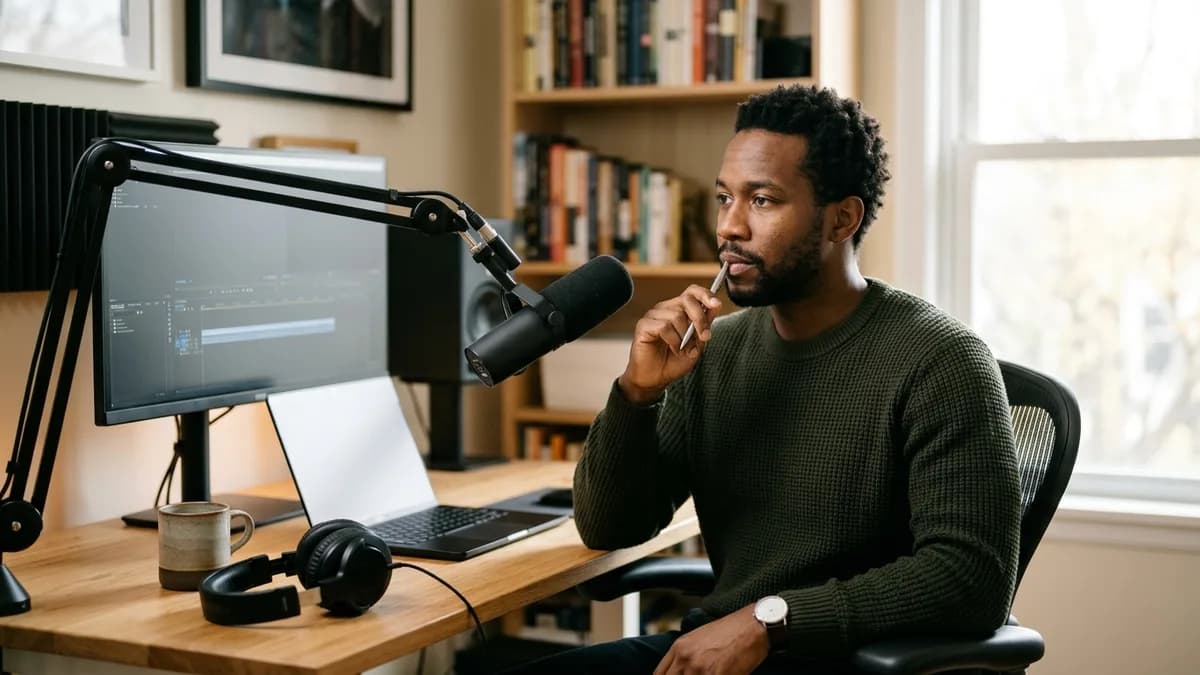
Choosing voice cloning for YouTube comes down to two needs: quick pickup takes to fix audio mistakes, and steady pacing that keeps viewers watching across long videos. Loup Studio charges by character, so a long voiceover costs the same per minute as a short pickup.
Key Takeaways
- Voice cloning resolves the post-production pickup bottleneck: fix script errors in the editor without re-shooting.
- YouTube monetization requires original content value; avoid low-effort automated content farms.
- Check the altered content disclosure checkbox in YouTube Studio when publishing realistic synthetic voiceovers.
- A 15-minute video essay consumes approximately 16,250 characters, costing roughly $0.11 on the $7/mo Storyteller plan.
- Layer continuous ambient audio and smooth edge fades to blend synthetic audio patches smoothly into timeline dialogue.
Monetization Policy Compliance
YouTube Partner Program guidelines reward original commentary and creative editing. Using your personal cloned voice to narrate well-researched video essays satisfies all monetization guidelines, whereas spam channels reading scraped articles face demonetization.
The YouTube audio bottleneck: why creators adopt voice cloning
Every active YouTuber knows the frustration of the post-production review. You spend two days filming B-roll, cutting multicam interviews, and assembling motion graphics. During the final watch-through, you spot a glaring factual error: you stated that a company was founded in 2018 instead of 2016.
In Loup Studio, one recorded sample covers both full narration and single-line fixes after an edit.
In traditional video editing, you face two bad choices: leave the error in the video with an awkward pinned comment, or drag out your microphone to record a single sentence. With a cloned voice profile, you type the corrected line in Loup Studio, download a clean WAV take, and patch it directly over your B-roll. Keeping subtle room tone or quiet background music running across cuts ensures the synthetic insert blends naturally with your live takes.
YouTube monetization rules: altered content disclosures and compliance
Navigating platform compliance is essential when deploying synthetic speech on monetized channels. YouTube requires creators to disclose realistic synthetic media:
For complete foundation details and architectural walkthroughs, explore our comprehensive AI voice cloning workflow.
Consult the official guidelines on YouTube's synthetic content disclosure policy and the YouTube community guidelines. Checking the disclosure box aligns with YouTube policies and protects your channel from avoidable penalties.
Key technical criteria for YouTube voiceover production
Not all voice cloning platforms suit the demanding pace of YouTube publishing. When evaluating synthesis engines, prioritize these four technical capabilities:
Advantages
- Generous character limits: produce 45-minute video essays without running out of credits.
- Browser-based generation: export replacement stems directly in the browser without launching heavy desktop apps.
- Clean MP3 or WAV audio stems: import directly into Premiere Pro or DaVinci Resolve without compression grit.
- Multi-slot voice management: maintain distinct narration, explainer, and energetic promotional profiles.
Limitations to Consider
- Platforms with restrictive character limits charge steep overages ($0.30 per 1,000 characters).
- Generic pre-set voice tools make your channel sound identical to competing automated accounts.
- Engines lacking punctuation directing produce breathless, robotic narration.
Loup Studio solves the volume challenge: our Storyteller plan provides 1,000,000 credits for $7 per month (~15.4 hours of audio). Exporting your dialogue stems as clean MP3 or WAV files preserves vocal clarity and dynamic range throughout video editing.
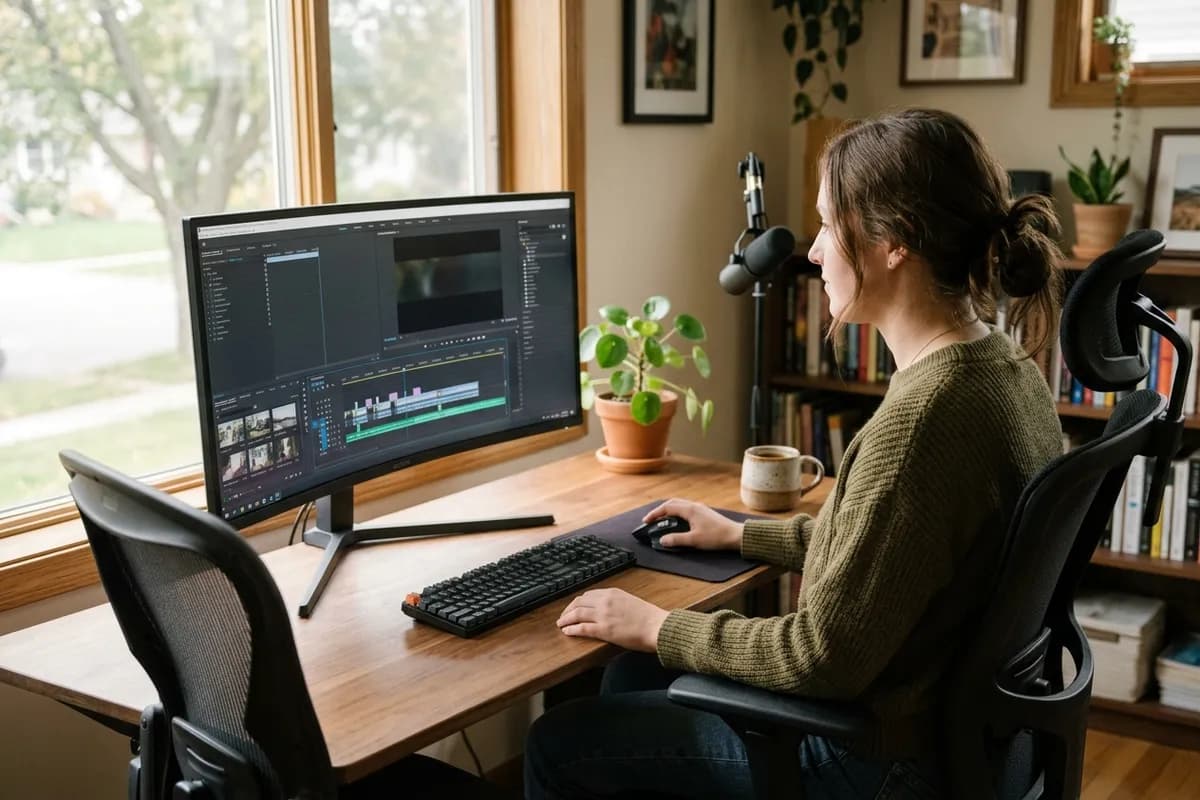
Auditioning fidelity: original microphone versus cloned voice narration
A great voice clone must blend smoothly with your live camera takes. Audition this direct comparison between a studio condenser microphone recording and the Loup Studio synthetic output:
Audio Audition Comparison
The 5-step audio patch workflow for YouTube editors
Integrating synthetic audio patches into existing video timelines requires proper post-production technique:
- Isolate the Audio Flaw in Your Timeline: In Premiere Pro or DaVinci Resolve, blade the audio clip around the misspoken sentence. Measure the exact gap duration.
- Draft Replacement Sentence in Loup Studio: Type the corrected line using your personal voice profile. Adjust word count so the synthesized audio matches the timeline duration.
- Export Audio as Clean MP3 or WAV: Download the replacement audio stem. Import it directly into your video project bin.
- Apply Soft Edge Fades on Both Clip Ends: Place the synthetic stem on your dialogue track. Add subtle edge fades at the head and tail to smooth audio transitions.
- Bed with Continuous Background Room Tone: Keep a continuous bed of recorded ambient room tone or subtle background music underneath all speech clips to smooth transitions.
This simple five-step assembly routine ensures that viewers never notice the boundary between live camera audio and synthetic patches. Your video flows with natural narrative continuity.
Audio structuring for YouTube: speech clarity and music balance
Great voiceover requires thoughtful audio post-production. Even a pristine voice take sounds amateur if background music drowns out consonants on mobile phone speakers:
- Sidechain Compression: Duck background music tracks automatically whenever narration begins.
- High-Pass Filtering: Cut rumble frequencies below 80 Hz to maintain dialogue clarity.
- Consistent Dialogue Levels: Keep dialogue volume normalized across all video segments for consistent mobile listening.
Balancing dialogue clarity against background music ensures that educational points and storytelling details remain crystal clear, even when viewers watch on phone speakers in noisy environments. Creating modular audio stems makes ongoing revisions straightforward throughout the video lifecycle.
Scriptwriting for retention: punctuation, pauses, and cadence
YouTube audience retention curves reward dynamic speech pacing. Stiff, monotone delivery triggers immediate viewer drop-off. Direct your neural voice clone with strategic punctuation:
- Em-Dashes for Energy: Use em-dashes to create sudden mid-sentence shifts that break predictable vocal cadence.
- Commas for Breath Breaks: Add commas where you would naturally breathe on camera, preventing hurried narration.
- Short Hook Sentences: Keep opening lines under 10 words to maintain high narrative momentum.
Synchronizing voice stems with B-roll cut points
Effective video essays synchronize audio inflections with visual cut points. When your voice lands an emphasis word, the visual cut should occur simultaneously:
- Cut Video B-Roll to Natural Speech Pauses: Place visual transitions at commas or full stops rather than slicing footage mid-word. This respects the natural cadence of spoken thought.
- Align On-Screen Callouts with Emphasis Syllables: When your voice emphasizes a key figure or term, animate the corresponding text overlay on the exact syllable attack frame.
- Leave Visual Breathing Room Between Main Ideas: Insert a 0.5-second gap between major chapter sections. Let B-roll footage and ambient music breathe before beginning the next topic.
- Use Dynamic Lower Thirds for Structure: Introduce lower-third topic banners as sentence openers begin. This grounds visual viewers and reinforces educational takeaways.
Credit budgeting math: pricing out your monthly upload schedule
Loup Studio meters audio by text characters: 1 character equals 1 credit. At our baseline rate of 1,083 characters per minute (~65,000 characters per hour), budgeting your YouTube channel is completely transparent:
A creator publishing two 15-minute video essays each week consumes roughly 130,000 credits per month. On the $7/mo Storyteller plan (1,000,000 credits), this leaves over 870,000 credits for pickup takes, YouTube Shorts scripts, and podcast intros.
Common audio mistakes on YouTube video timelines
Avoid these three frequent pitfalls when producing synthetic voiceovers for YouTube:
YouTube Audio Production Mistakes
Prevent amateur audio glitches and viewer drop-off on video essays.
Allowing loud background music to overpower spoken narration on phone speakers.
Duck background music whenever speech plays, keeping vocal frequencies distinct.
Exporting inconsistent volume levels between video episodes recorded weeks apart.
Balance voiceover stems with consistent loudness so all episodes share uniform playback volume.
Pasting uninterrupted script walls without commas, causing breathless robot delivery.
Insert commas before conjunctions to give the neural voice natural breathing room.
Managing multiple channel formats: long-form vs Shorts vs sponsor reads
Successful YouTube channels produce varied content, from deep-dive video essays to brisk Shorts and sponsor reads. Deploying distinct custom voice slots allows you to match your delivery style to each video format without extra platform charges.
Batch assembly workflow: rendering 10-minute video essays in chapters
Attempting to generate an entire 15-minute video narration in a single continuous script block is inefficient. If you revise a single fact on minute 8, re-rendering the whole file wastes time and character credits.
Chapter Stem Management
Export 3-to-5 minute chapter stems rather than one giant audio file. Modular stems make timeline pickups clean and isolated.
- Segment Script into Thematic Chapter Stems: Divide your script into logical 3-to-4 minute sections (roughly 3,500 to 4,500 characters each). Save them as separate text blocks in your notes.
- Synthesize Chapter Audio Stems in Sequence: Paste each chapter into Loup Studio. Render takes sequentially and download clean WAV stems named by chapter number.
- Import Audio into Your Video Editing Suite: Drop all stems onto your primary voiceover track in Premiere Pro or DaVinci Resolve. Snap chapter starts to section markers.
- Audition and Isolate Individual Sentence Fixes: If rough-cut editing reveals a clumsy sentence, generate a replacement line (under 100 characters) and patch it into that single stem.
This modular production routine protects your creative momentum. You manage video essays as organized building blocks rather than fragile, monolithic audio tracks.
Sound design and ambient audio layering for documentary video essays
The difference between amateur content and top-tier documentary channels often comes down to sound design. Even pristine studio speech sounds sterile if left floating in empty digital space:
Documentary Sound Design Checklist
Follow these four audio layering rules to maximize documentary immersion.
- Layer subtle ambient tone (room tone, library ambience, or wind) underneath all speech cuts.
- Add subtle paper rustles, keystrokes, or archival tape hiss when showing historical graphics.
- Drop background music volume whenever the voiceover enters a crucial thesis argument.
- Use whooshes and low-frequency impacts on major visual topic transitions.
Hook velocity: matching vocal energy to your thumbnail promise
The first thirty seconds of a YouTube video determine its algorithmic trajectory. If your thumbnail promises high-stakes intrigue but your opening narration sounds tired, viewers abandon the video before the core thesis arrives.
Write script openers with concise, punchy sentences under 8 words. Direct your cloned voice with focused energy and zero filler phrasing to maximize viewer retention from the very first sentence.
Preserving acoustic consistency across multi-part documentary series
Serial content creators face unique audio challenges. When publishing a multi-part series across several months, human vocal pitch naturally shifts with fatigue and studio mic placement.
Saving a dedicated voice slot in your Loup Studio workspace maintains consistent sonic branding across seasons. Your audience experiences reliable clarity across every upload in your catalog.
Selecting the ideal Loup Studio plan for your channel upload cadence
Align your monthly subscription plan with your channel publishing cadence:
- Soundcheck ($0/mo): 10,000 monthly credits with 3 voice clone slots, ideal for periodic video pickups.
- Storyteller ($7/mo or $67/yr): 1,000,000 credits (~15.4 audio hours) with 25 slots, suited for weekly video essays.
- Director ($29/mo or $278/yr): 5,000,000 credits (~77 audio hours) with 100 slots, built for daily video publishers.
- Studio Master ($49/mo or $470/yr): 10,000,000 credits (~154 audio hours) with 250 slots for high-output digital teams.
Every subscription tier includes full commercial rights and clean MP3 or WAV downloads. Use coupon code NEWLOUP20 on our offer page to save 20% on annual billing. Read our complete guide on cloning your voice for YouTube to streamline your video editing pipeline, compare budgets in our guide to voice cloning price per hour, and check our strategies for faceless YouTube channels for additional production workflows.
Frequently asked questions about YouTube voice cloning
Frequently Asked Questions
Try Loup Studio AI voice cloning free
Record a short sample of your voice and turn any script into a voiceover. 10,000 free credits every month, no card needed.