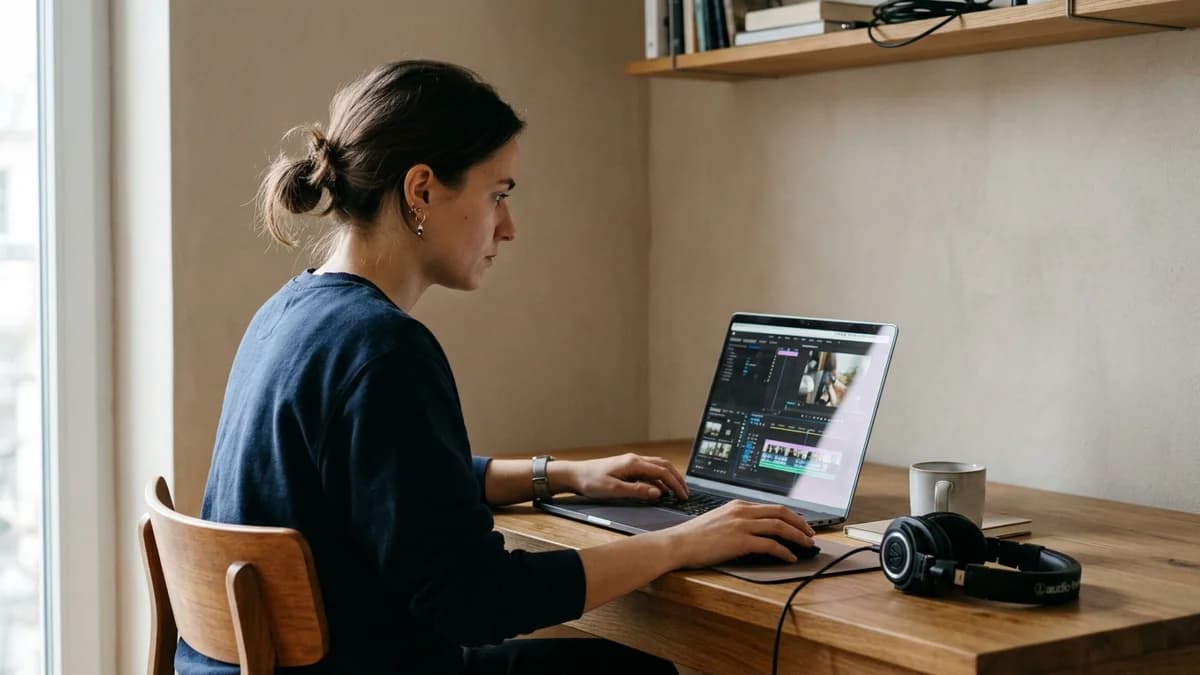
Running a faceless YouTube channel with your own cloned voice gives your videos consistent narrative pacing and fits within YouTube's rules when you disclose synthetic content and add your own original work. Paired with original documentary visuals and thoughtful scripts, a personal voice clone helps you build an audience without being on camera.
Key Takeaways
- YouTube actively monetizes original video essays, history documentaries, and explainers that use cloned voices.
- Demonetization targets low-effort programmatic spam and scraped text, not the underlying speech synthesis tool.
- Cloning your own voice gives your faceless channel a trademark acoustic signature that viewers recognize across your catalog.
- Punctuation controls cadence: commas, em-dashes, and ellipses insert natural breathing space that boosts viewer retention.
YouTube monetization rules for faceless channels
The most persistent myth in the creator economy is that YouTube bans synthetic voiceovers. In reality, thousands of large documentary and educational channels monetize successfully while relying entirely on synthesized narration. YouTube does not evaluate whether you held a physical microphone or typed your text into a browser. Instead, human reviewers evaluate whether your video offers genuine original commentary under the YouTube Channel Monetization & Spam Policies.
On Loup Studio, a faceless channel can keep one consistent narrator: your own cloned voice.
Channel rejections stem from two specific policy violations:
- Repetitious Content: Mass-produced videos created using automated scripts where the content has little to no difference from video to video.
- Reused Content: Compiling third-party footage or public domain clips without original research, transformative visual editing, or meaningful narrative commentary.
Channel Brand Identity
Do not rely on the same generic robot presets used by thousands of spam channels. Clone your own voice with Loup Studio or train a dedicated voice profile to establish an unmistakable audio identity that viewers associate with your channel name.
Why building a custom AI voice for faceless YouTube beats generic presets
When starting a faceless media brand, creators often consider free generic presets. However, using public default voices presents severe operational vulnerabilities. If ten competitors in your niche use the identical sound, your channel sounds like a content farm rather than an authoritative studio publication.
For complete foundation details and architectural walkthroughs, explore our comprehensive AI voice cloning.
By establishing a custom cloned narrator profile from your own speech, you gain distinct competitive advantages:
- Brand Exclusivity: Your voice model belongs to you alone. Competitors cannot copy your exact vocal timbre, cadence, or phonetic quirks.
- Total Script Control: If you discover a factual mistake during video editing, you correct the text in Loup Studio and export a replacement WAV take in minutes.
- Consistent Sonic Identity: Loup Studio allows your cloned voice profile to speak with natural authority across every video episode while preserving your vocal identity, establishing an unmistakable signature across your channel.
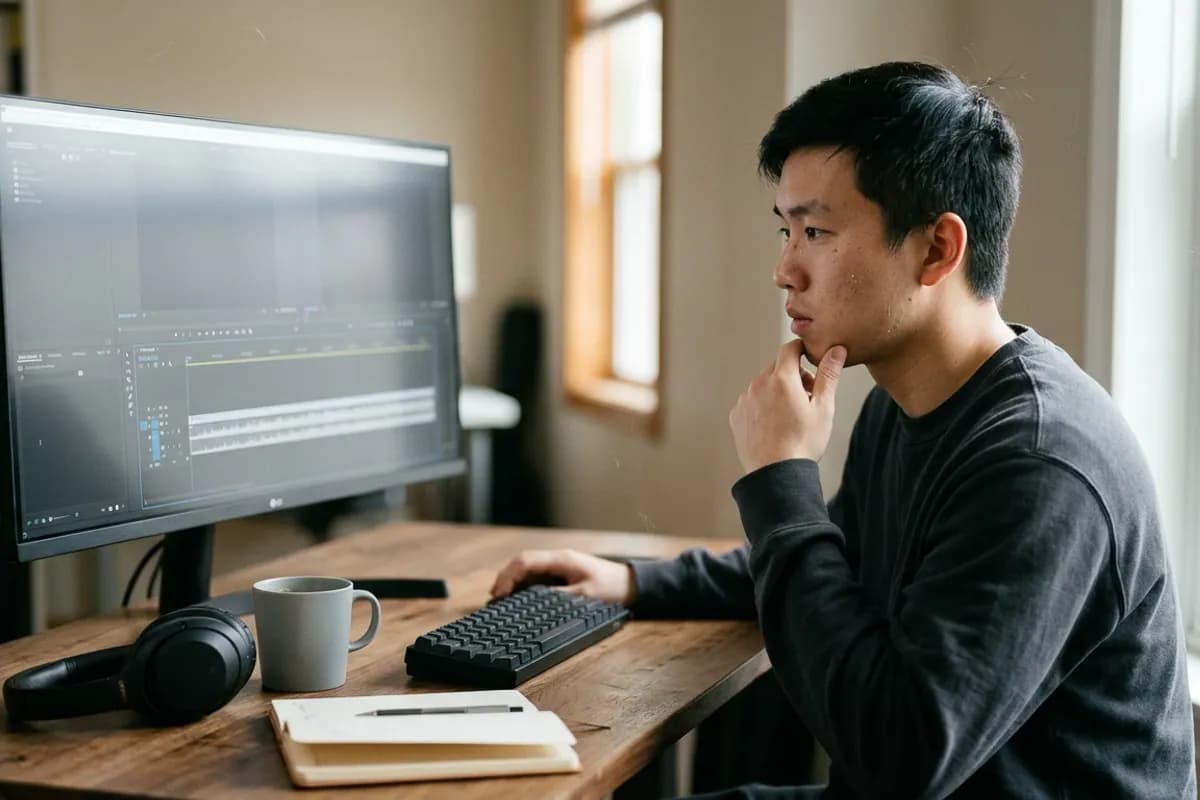
Synthetic media disclosure compliance in YouTube Studio
Transparency is essential for maintaining good standing with platform algorithms. Under the official YouTube Synthetic & Altered Media Disclosure Guidelines, creators must disclose when content realistically depicts human speech generated through artificial intelligence.
During the video upload sequence in YouTube Studio, check "Yes" under the altered content setting. YouTube places a subtle note in your video description. This disclosure does not reduce channel impressions, does not limit ad eligibility, and protects your account from unexpected administrative strikes.
Faceless Channel Pre-Upload Checklist
Verify each requirement before publishing a faceless video to ensure monetization safety.
- Original script: narrative is researched, fact-checked, and written in your voice.
- Visual transformation: B-roll, motion graphics, and archival footage are actively edited.
- Audio mastering: 80 Hz low-cut applied, subtle room tone bed layered under speech.
- YouTube Studio setting: 'Altered Content' marked 'Yes' under advanced details.
- Pacing inspection: script contains natural pause commas to let on-screen graphics breathe.
Top narrative niches for faceless video channels
Certain YouTube genres thrive particularly well with voice-over-driven faceless formats because viewers prioritize visual data and storytelling over seeing a talking head:
| Niche Category | Average Script Length | Visual Asset Strategy | Watch Time Potential |
|---|---|---|---|
| Historical & Geopolitical Essays | 2,500 – 3,500 words (18–25 min) | Archival maps, public domain photos, pan-and-scan animations | Very High (55%+ retention) |
| Financial & Business Case Studies | 1,800 – 2,400 words (12–18 min) | Financial charts, news clips, motion typography callouts | High (45–50% retention) |
| Tech & Engineering Explanations | 1,500 – 2,200 words (10–15 min) | 3D schematics, product UI captures, patent diagrams | High (48–52% retention) |
| True Crime & Investigative Mysteries | 3,000 – 4,500 words (20–35 min) | Court documents, timeline graphics, atmospheric B-roll | Exceptional (60%+ retention) |
The 4-part script architecture that holds audience retention
Maintaining viewer retention on faceless videos requires a disciplined narrative rhythm. Because there is no on-camera host to maintain eye contact, the spoken narrative must deliver continuous forward momentum:
- The First 30 Seconds (Hook): Open immediately on the core conflict or surprising data point with concise, punchy sentences.
- Minutes 0:30 to 2:00 (Context): Establish why this topic matters and set up the central question.
- Minutes 2:00 to 10:00 (Narrative Beats): Break your video into logical 2-minute thematic chapters with clear visual transitions.
- The Final 2 Minutes (Payoff): Deliver an insightful conclusion and direct viewers to your next video.
Directing script cadence: how to make synthetic voice sound human
The difference between amateur robotic channels and premium documentary channels lies in script direction. Neural models interpret punctuation as structural instructions:
- Commas for Breath Pauses: Insert a comma whenever you want the voice to take a brief 0.2-second pause. This mimics human respiratory rhythm.
- Em-Dashes for Dramatic Weight: Use an em-dash (—) before revealing a surprising fact or key statistical metric. This creates a suspenseful 0.4-second pause.
- Short Declarative Sentences: Keep opening hooks under 10 words. Quick sentence starts pull viewers past the critical first 30 seconds of video playback.
The Comma Pacing Rule
Read your script out loud. Every time you naturally pause to breathe or emphasize a key point, insert a comma or em-dash. Loup Studio will honor those pauses, creating a natural conversational cadence.
Production turnaround: physical recording versus AI voiceover
In traditional video production, recording voiceovers requires quiet room preparation, microphone checks, multiple takes, and extensive editing to clean breaths and clicks. With a cloned personal voice, script updates transform into fast audio exports:
- Physical Mic Takes: 2 to 4 hours of setup, recording, breath removal, and retakes per 15-minute video.
- Cloned Voice Synthesis: 5 to 10 minutes to paste the script, verify cadence, and export clean audio stems.
- Late-Stage Corrections: Fast single-sentence pickups without matching room acoustic tone or mic distance.
The 3-stage audio mastering chain for video editors
Placing synthesized voiceover straight onto a video timeline without equalization can sound disconnected from your visual clips. Applying a standardized three-stage mastering chain inside Premiere Pro or DaVinci Resolve creates a broadcast-ready audio mix:
- Apply an 80 Hz Low-Cut Filter: Apply a low-cut filter at 80 Hz on the voice track to remove rumble and sub-bass frequencies.
- Add Gentle Dynamic Compression: Use gentle compression with a quick release to smooth out syllable volume peaks and keep narration consistent.
- Bed with Room Tone and Background Music: Add a faint continuous layer of recorded room tone beneath the narration and set background music to duck smoothly whenever speech is detected.
Common Audio Pitfalls on Faceless Channels
Avoid these common errors that signal cheap automation to YouTube reviewers and viewers.
Using pure digital silence between sentences, creating an unnatural sterile vacuum.
Layer a continuous bed of low-volume room tone or atmospheric ambient audio across the entire timeline.
Overpowering background music that masks vocal articulation and causes listener fatigue.
Sidechain background music to duck whenever narration plays, keeping speech clear.
Exporting compressed MP3 files repeatedly through multiple rendering steps.
Always export clean WAV audio from Loup Studio for editing timelines.
The 4-step faceless timeline assembly workflow
High-output channels build an assembly-line routine to turn written research into finished videos with minimal friction:
- Research and Script Outline: Structure the core thesis, gather verified sources, and write modular 3-minute chapter beats.
- Generate Voiceover Stems: Paste chapter blocks into Loup Studio, apply punctuation directing, and export clean WAV stems.
- Assemble Rough Timeline: Drop audio stems onto the dialogue track and align primary B-roll sequences with speech rhythms.
- Mastering and Audio Polish: Apply an 80 Hz high-pass filter, duck background music under speech, and export final video files.
Auditioning personal clone fidelity against microphone audio
Audition how Loup Studio voice cloning captures natural vocal resonance for documentary video essays compared to a raw condenser microphone take:
Audio Audition Comparison
Credit calculation and monthly production budgeting
Loup Studio meters audio by text characters: 1 character equals 1 credit. At our verified rate of 1,083 characters per minute of audio, estimating monthly production budgets is precise and predictable:
On the $7/mo Storyteller plan (1,000,000 monthly credits), a creator producing four 12-minute videos each month consumes only about 52,000 credits. That leaves over 940,000 credits available to generate alternative hook variations, test new script lines, or launch a secondary channel.
Sourcing high-engagement visual assets to support synthetic audio
The most common mistake novice faceless creators make is treating visuals as an afterthought behind their audio narration. When the narration speaks about a historical event or economic shift, repeating generic corporate stock video disconnects the viewer and destroys watch time.
The Kinetic B-Roll Pacing Rule
Cut to a new visual angle, archival photo, or motion graphic every 3 to 5 seconds. Matching audio pace to frequent visual shifts holds viewer retention significantly longer on faceless documentaries.
Evaluating faceless video production tradeoffs
While faceless production eliminates filming friction, creators should weigh operational trade-offs carefully:
- Production Speed Advantage: You avoid setting up camera lighting, studio backdrops, and teleprompters, cutting production cycles from days to hours.
- Visual Curation Requirement: High viewer watch time requires diligent B-roll sourcing, archival footage animation, and meaningful motion graphics.
- Acoustic Identity: Using a custom cloned voice provides personal branding that differentiates your channel from generic robotic competitors.
Choosing the right Loup Studio plan for your channel
Selecting an optimal subscription tier depends on your publishing frequency and team size:
For weekly 10-to-15 minute documentary essays, the Storyteller plan ($7/mo or $67/yr) provides 1,000,000 monthly credits—over 15 hours of narration. Daily multi-channel publishers should select Director ($29/mo or $278/yr) for 5,000,000 monthly credits and 100 clone slots.
- Soundcheck (Free): 10,000 monthly credits (~10 minutes of audio) and 3 voice clone slots. Great for testing your reference sample and building a pilot video.
- Storyteller ($7/mo or $67/yr): 1,000,000 credits (~15 hours of audio) and 25 voice clone slots. The sweet spot for weekly faceless documentary creators.
- Director ($29/mo or $278/yr): 5,000,000 credits (~77 hours of audio) and 100 voice slots. Ideal for daily publishers, multi-channel networks, and agency teams.
- Studio Master ($49/mo or $470/yr): 10,000,000 credits (~154 hours of audio) and 250 voice slots for high-output digital content houses.
Every plan includes commercial licensing under our terms of service (for details, see our terms of service) and clean MP3 or WAV downloads. Explore current discounts on our offers and pricing page, consult our guide on cloning your voice for YouTube to optimize your timeline workflow, compare options in our best voice cloning for YouTube guide, and learn long-form scripting in our long-form AI narration workflow.
Frequently asked questions about faceless YouTube audio
Frequently Asked Questions
Try Loup Studio AI voice cloning free
Record a short sample of your voice and turn any script into a voiceover. 10,000 free credits every month, no card needed.